Antigravity Link (VS Code Extension)







Read this in your language: 日本語 · 中文(简体) · 中文(繁體) · 한국어 · Deutsch · Français · Español · Português · Русский · Italiano · Polski · Türkçe · Tiếng Việt · Bahasa Indonesia · العربية
What's new in v1.0.20 — Security: removed
child_processdependency entirely; debug endpoints now require auth; localhost guard on all LS RPC calls. See CHANGELOG.
Contents
- Demo
- What you get
- Installation
- Prerequisites
- Quick start
- Commands
- Settings
- For agent builders
- How it works
- Account safety
- Troubleshooting
- FAQ
- Internationalization and accessibility
- Contributing
- API reference
- MCP server reference
You're running an Antigravity session and need to step away from your desk. The AI is mid-generation. You want to monitor it, redirect it, upload a file, or just read what it wrote from your phone, without coming back to your computer.
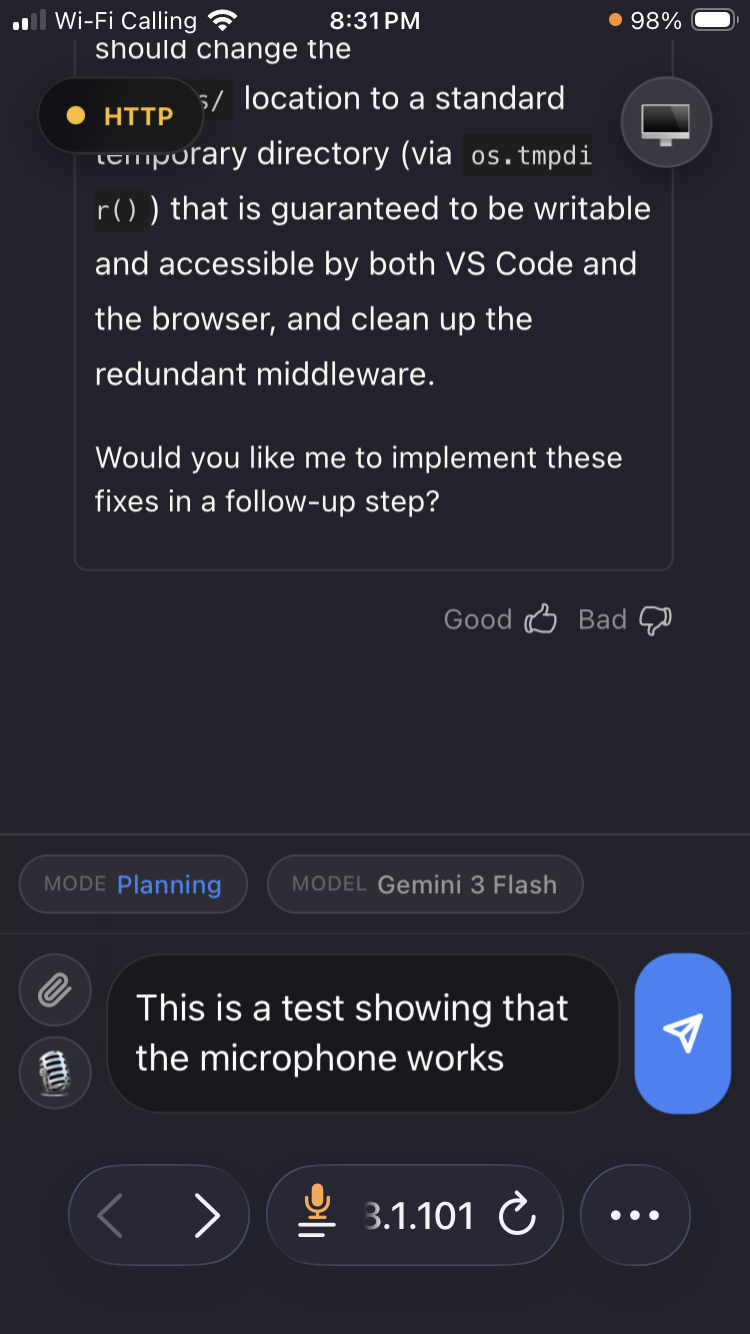
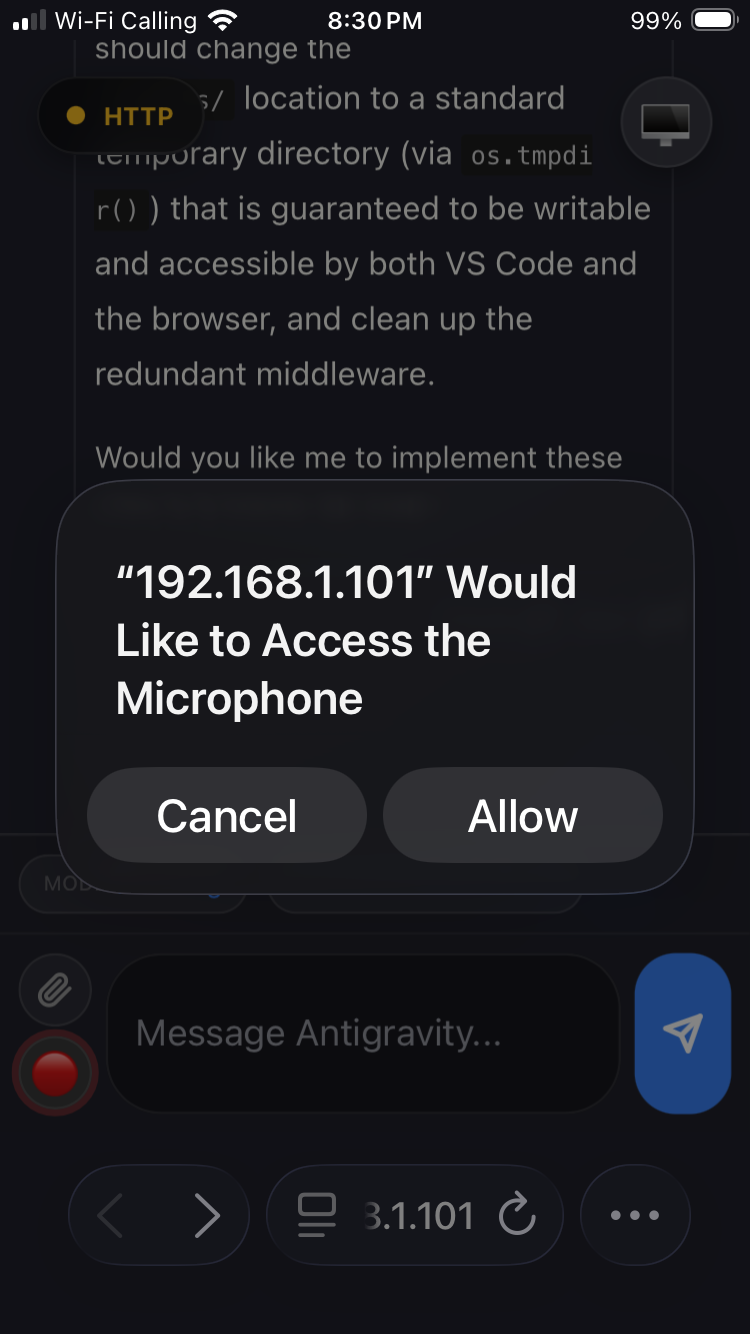
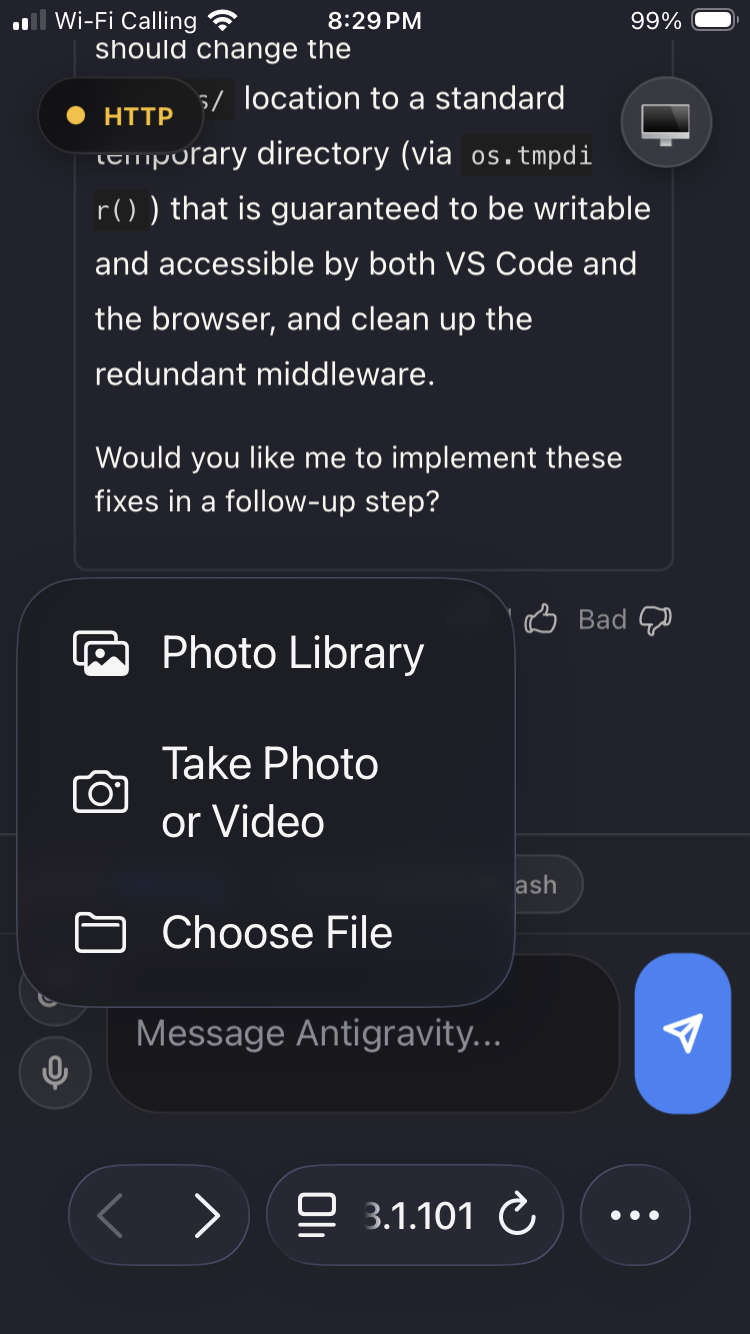
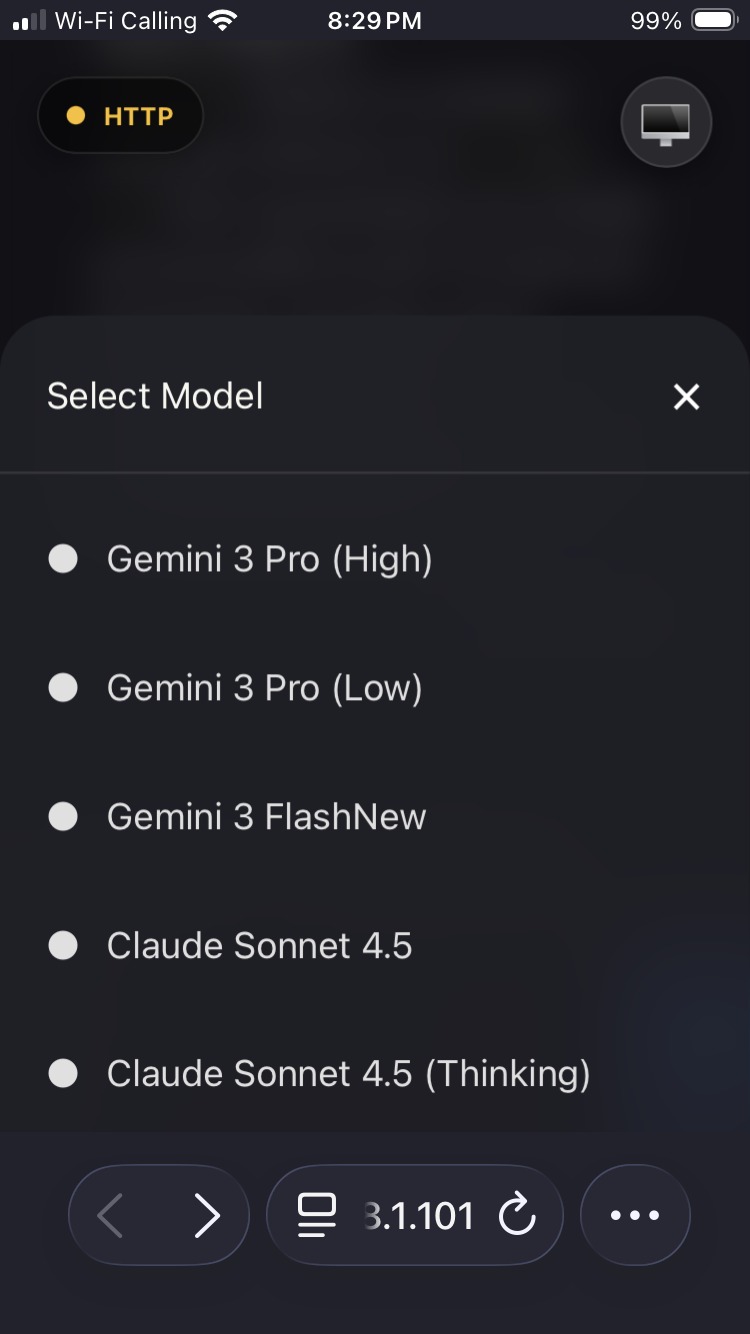
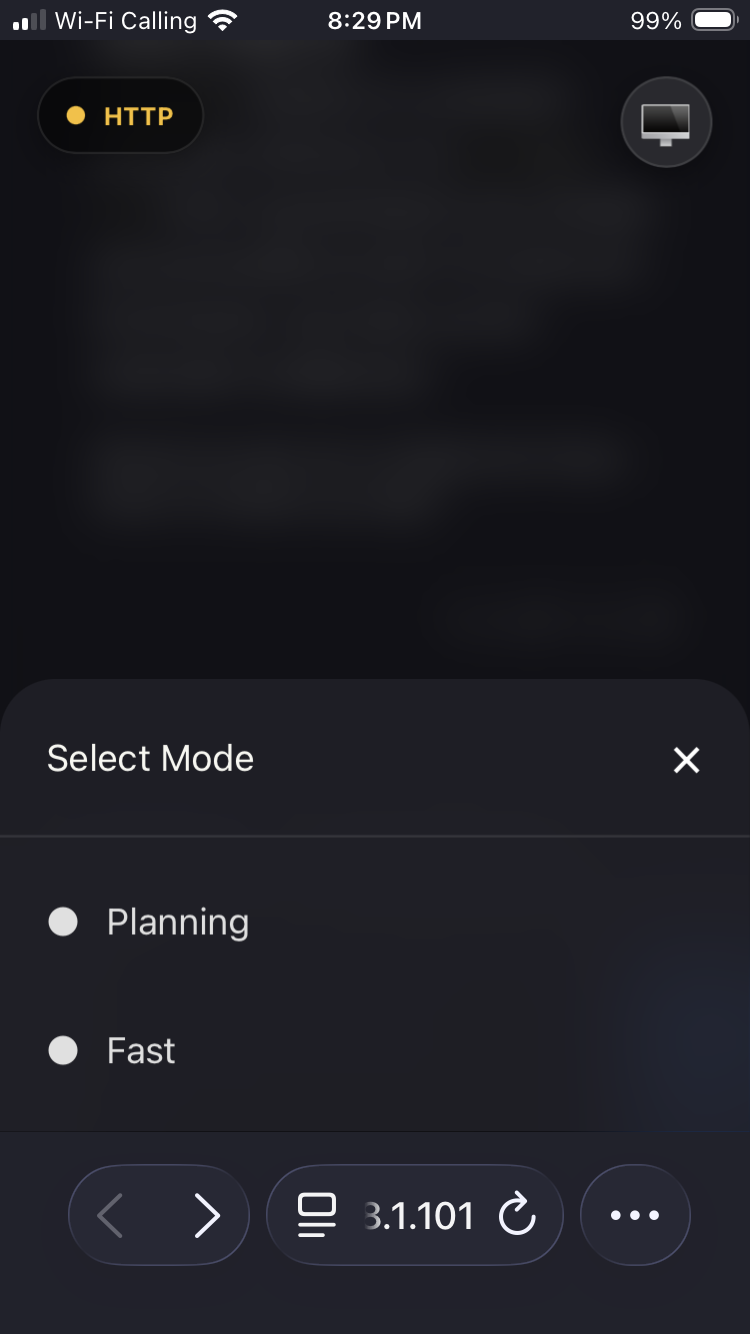
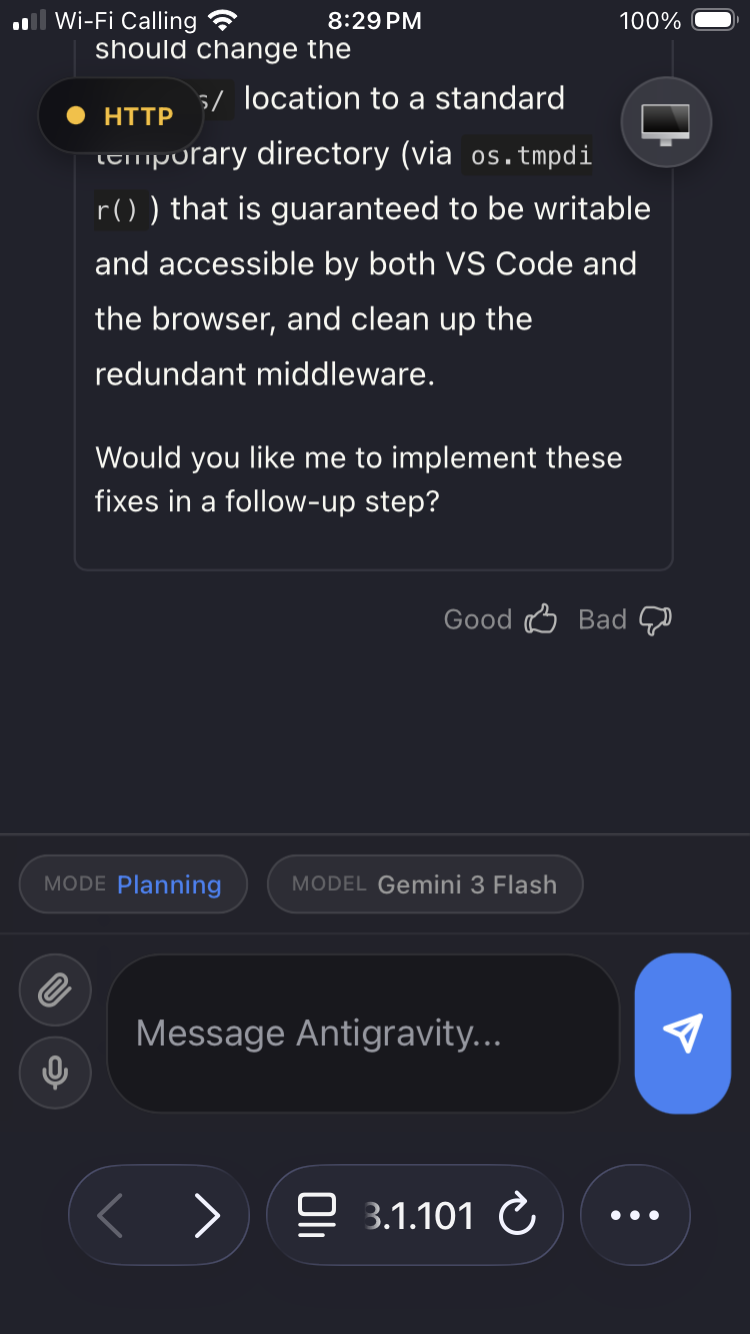
Antigravity Link makes that possible. Scan a QR code and your phone becomes a live mirror of the active chat: read responses as they stream, send messages, stop generation, upload files, dictate via voice, and switch between multiple Antigravity windows all from a mobile browser, on your local network.
For automation, the extension also exposes a local HTTP API and an MCP server so agents and external tools can drive Antigravity sessions programmatically.
Demo
https://github.com/user-attachments/assets/43c7d029-a598-474f-949e-5da333c9a3f2
 |
 |
 |
 |
 |
 |
 |
What you get
- Live mirror of the active Antigravity chat — read and interact from your phone.
- File upload into the active Antigravity chat.
- Voice-to-text input from mobile (HTTPS required for mic permissions).
- Stop generation from your phone with a dedicated stop chip.
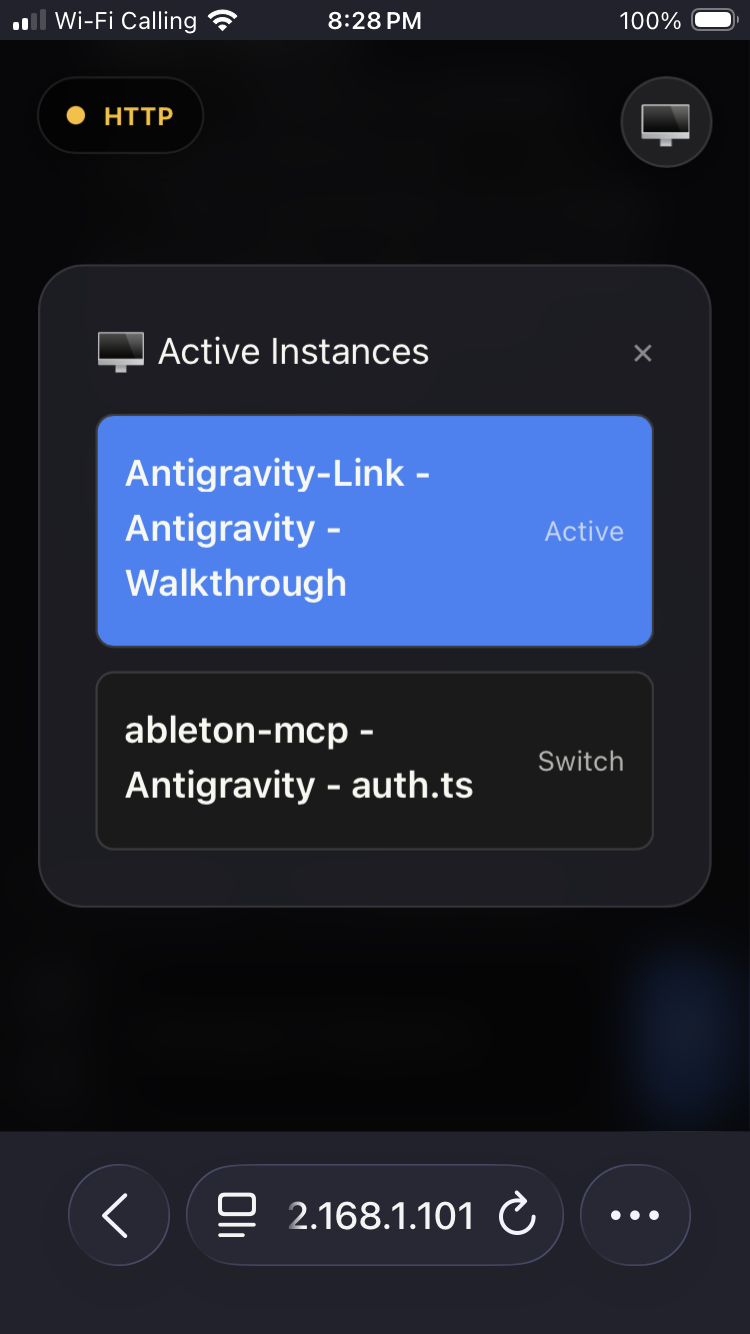
- Active instance switching for multiple Antigravity windows.
- Local HTTP API for automation and integrations (see API).
- MCP server for AI assistant integration (see MCP server).
- Local-only server with token authentication.
- Interface available in 16 languages with automatic detection and RTL support.
Installation
Install from the Antigravity extensions marketplace: search Antigravity Link or install directly from Open VSX.
Prerequisites
- Antigravity IDE installed and running.
- A phone and computer on the same Wi-Fi network.
- Antigravity launched with the remote debugging flag. This is required for the extension to discover and connect to your session. See the launch command in Quick start below.
Quick start
- Start Antigravity with remote debugging enabled. This is required; sessions launched without this flag are not discoverable by the extension.
Windows:
& "C:\Users\<username>\AppData\Local\Programs\Antigravity IDE\Antigravity IDE.exe" --remote-debugging-port=9000
macOS:
open -a "Antigravity IDE" --args --remote-debugging-port=9000
Linux:
antigravity-ide --remote-debugging-port=9000
Multiple Antigravity sessions are supported, but every window must be launched with this command.
-
In VS Code, run:
Antigravity Link: Start Server -
Then run:
Antigravity Link: Show QR Code -
Scan the QR code with your phone. Your mobile UI is ready.
-
Your phone may warn that the connection is unsafe because the certificate is self-signed. This is expected for local HTTPS. Use your browser's "Advanced" or similar option to proceed (wording differs between Safari/Chrome/Firefox).
Commands
| Command | Description |
|---|---|
| Antigravity Link: Start Server | Starts the local bridge server. |
| Antigravity Link: Stop Server | Stops the server. |
| Antigravity Link: Show QR Code | Displays the connection QR code. |
| Antigravity Link: Select Network Interface | Choose which network interface the QR URL advertises. |
Settings
| Setting | Default | Description |
|---|---|---|
antigravityLink.port |
3000 |
Port for the local bridge server. |
antigravityLink.autoStart |
false |
Start the server on VS Code launch. |
antigravityLink.useHttps |
true |
Serve over HTTPS for mic access. |
antigravityLink.preferredHost |
"" |
Optional LAN IPv4 to advertise in QR URL (example: 192.168.1.101). |
antigravityLink.strictWorkbenchOnly |
true |
Only bind to workbench.html CDP targets for stability. |
antigravityLink.includeFallbackTargets |
false |
Allow jetski/launchpad fallback targets when strict mode is disabled. |
For agent builders
If you want to integrate quickly, use this sequence:
- Start the extension server and copy the token from the QR URL (
?token=...). - Use either MCP tools (
mcp-server.mjs) or direct HTTP calls againsthttps://localhost:3000. - Validate control flow with
/snapshot,/send, and/stop.
OpenAPI example:
curl -k https://localhost:3000/snapshot \
  -H "Authorization: Bearer <token>"
MCP client configuration example:
{
  "antigravity-link": {
    "command": "node",
    "args": ["<extension-dir>/mcp-server.mjs"],
    "env": {
      "AG_BRIDGE_URL": "https://localhost:3000",
      "AG_BRIDGE_TOKEN": "<token>"
    }
  }
}
Replace <extension-dir> with the path to the installed extension:
- Windows:
%USERPROFILE%\.antigravity-ide\extensions\cafetechne.antigravity-link-extension-1.0.20 - macOS/Linux:
~/.antigravity-ide/extensions/cafetechne.antigravity-link-extension-1.0.20
How it works (high level)
- The extension starts a local server (HTTP or HTTPS).
- It discovers Antigravity targets via the Chrome DevTools Protocol (CDP).
- Your phone connects to the mobile UI and sends upload/command requests.
- The extension injects into the selected chat target and saves files to
uploads/.
Account safety
Antigravity Link has no known ban cases and is designed to stay that way.
The extension works by connecting to a debug port that Antigravity exposes on your own machine the same Chrome DevTools Protocol used by VS Code's built-in debugger and browser devtools. It reads your local UI and simulates keypresses and clicks, exactly as if you were sitting at your keyboard.
What this means in practice:
- All network activity is local. The extension communicates only with: your phone on the LAN via the HTTPS server it starts; Antigravity IDE's Chrome DevTools Protocol port on
localhost:9000; and Antigravity's Language Server process on127.0.0.1for the stop-generation RPC. No data is sent to Google's servers or any external service beyond what Antigravity itself sends. - Nothing is injected into Antigravity's network traffic. The extension reads your screen and types into your editor it does not intercept or modify API calls.
- No Antigravity files are modified. There are no patches, hooks, or binary modifications.
- The server runs entirely on your machine. Your prompts, chat history, and files never leave your local network unless you explicitly expose the server externally.
- No data is sent to third-party services by this extension.
The source code is MIT-licensed and fully auditable: https://github.com/cafeTechne/antigravity-link-extension
Troubleshooting
- No instances found: Make sure every Antigravity window was launched with the
--remote-debugging-portcommand shown above. - Can't connect from mobile: Ensure your phone an