Pulse for Claude Code


Claude Code, with a pulse.
A local dashboard that watches every Claude Code (and Codex) session on your machine, gives it a literal heartbeat, and lets you approve its tool calls from your phone or a strip under your MacBook's notch. Zero dependencies. Nothing leaves your machine.
Covered by XDA Developers: "a must-have tool for anyone working with Claude."
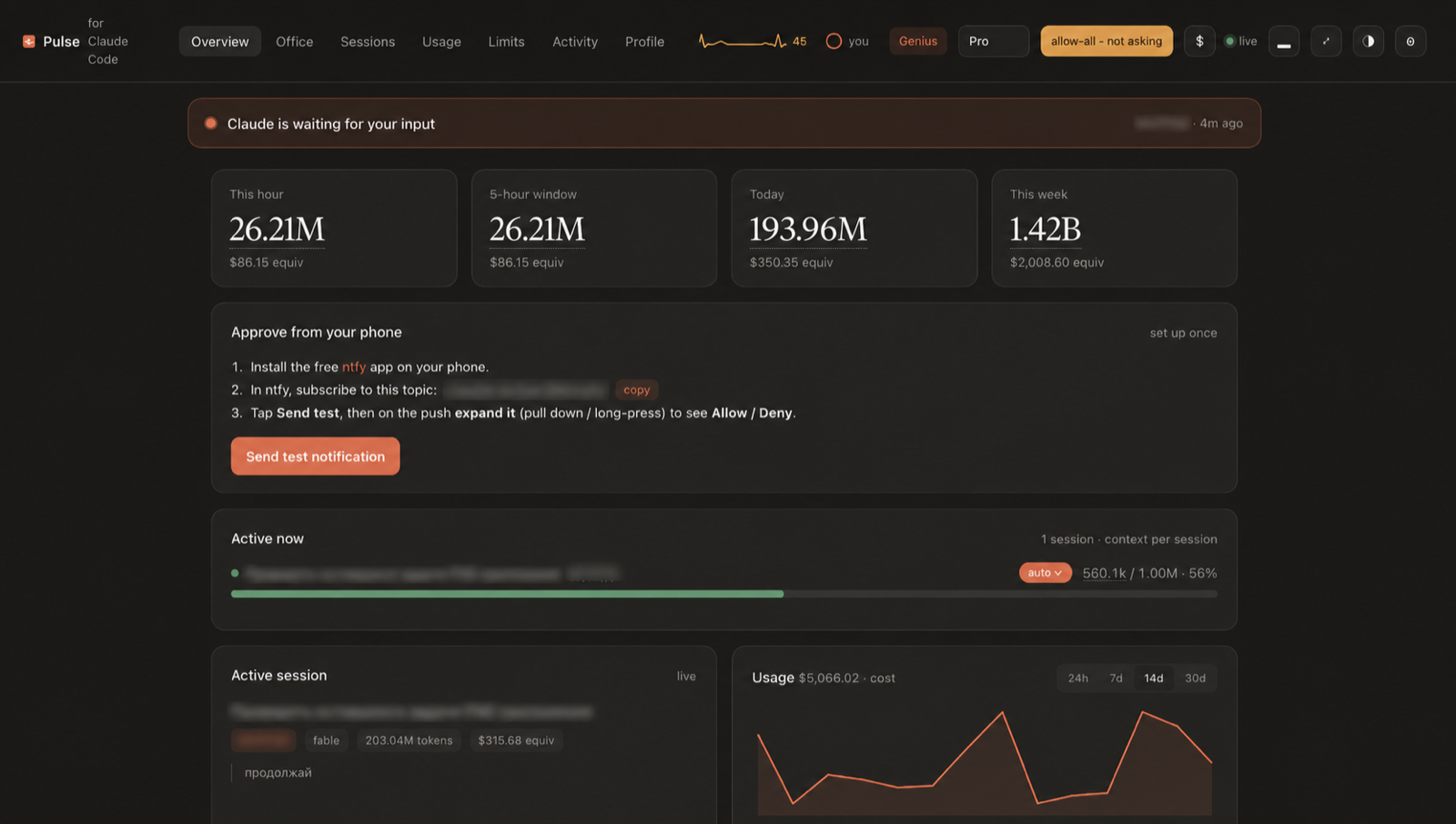
Claude Code already writes every session to disk as it happens. Pulse reads those files, read only, no account, no telemetry, and turns them into something that feels less like a log viewer and more like a cockpit: live spend by hour, day and week, context fill per session, full-text search across everything you have ever run, scheduled messages that fire the moment your limit resets, and Allow / Allow all / Deny that follows you to your desktop, your phone, and your notch.
The pulse
45 bpm. Claude is resting.
The heart rate is real: tool calls and generated tokens over the last two minutes drive it from a resting ~45 up to ~185 when Claude is sprinting through a refactor. When you hit your usage limit, it flatlines. It beats in the topbar on every screen, and in the notch:

The notch
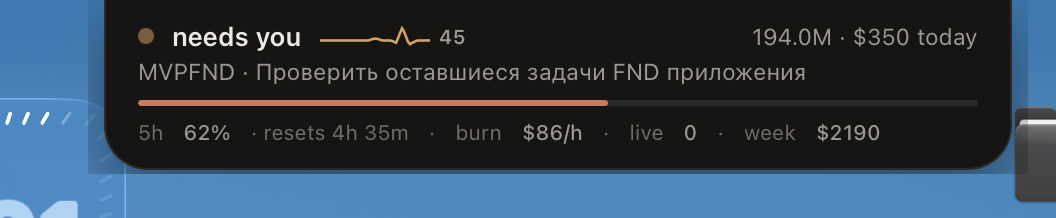
A native always-on-top strip under your camera notch: state, today's numbers, context bar, burn rate, and working approval buttons. Hover it and it grows into a menu with every live session. Right-click to dismiss.
claude-pulse notch (or the ▂ button in the dashboard) compiles a ~100-line Swift overlay once and pins it above every app and every Space. No Electron, no frameworks. The whole thing is an NSPanel and a WKWebView.
The office
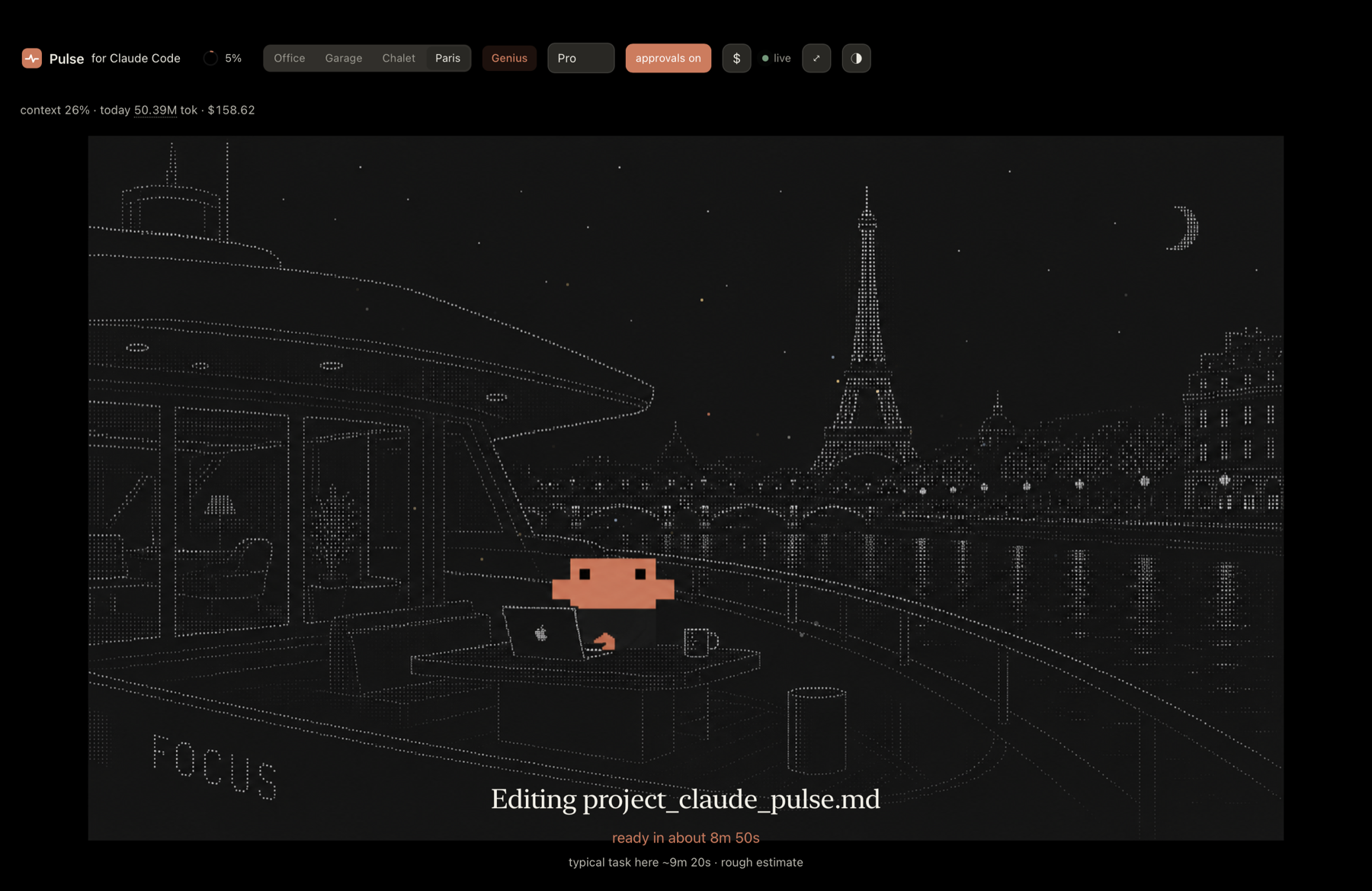
Claude at his desk in New York, doing your work while you watch like a benevolent manager.
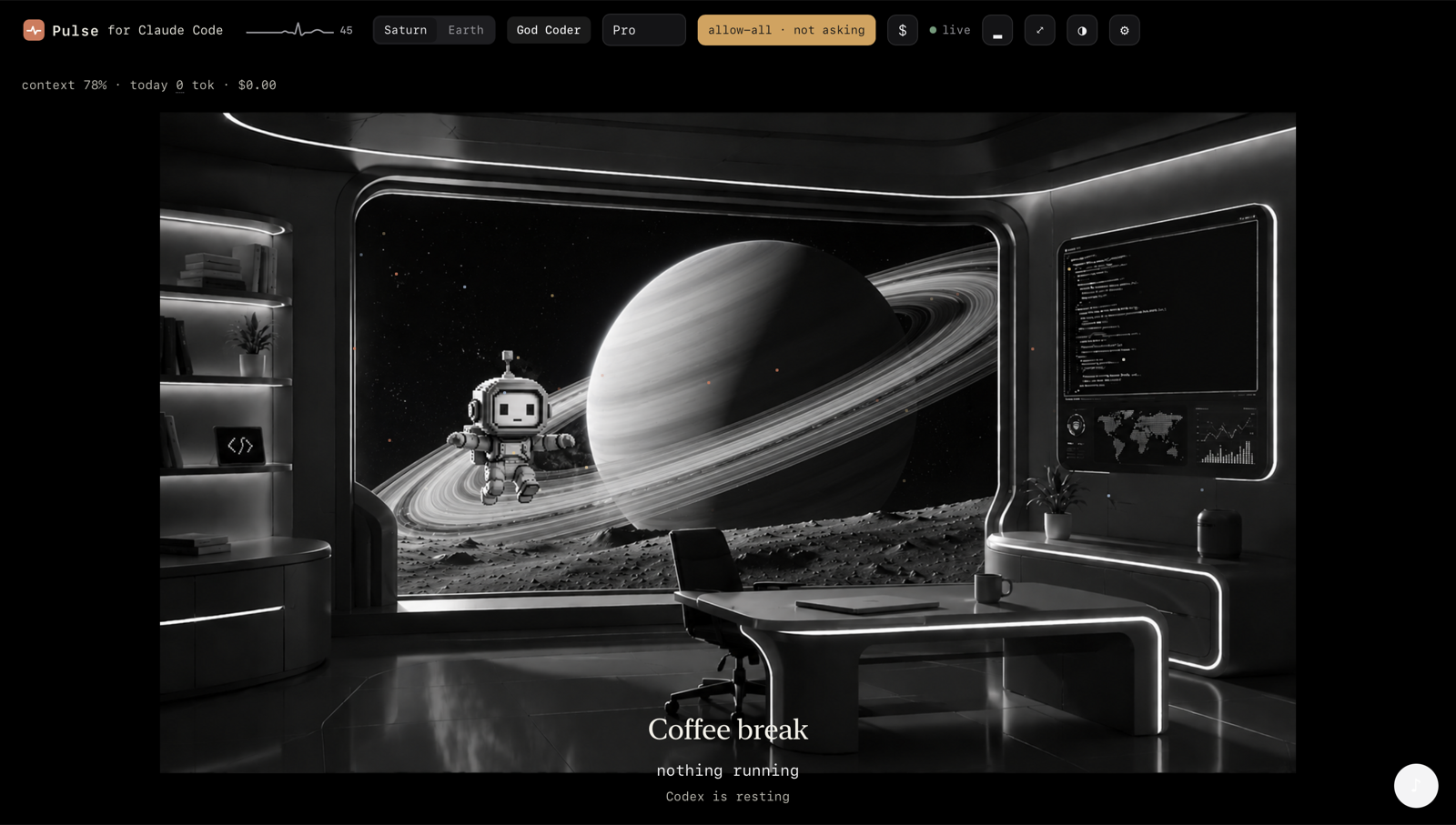
Run Codex too? Its dashboard is a separate mono world, same building, different floor. The data splits properly: the Codex dashboard shows Codex numbers, the Claude one shows Claude's.
Music while it works: paste any YouTube link, or one tap of lofi / synthwave / jazz.
The profile
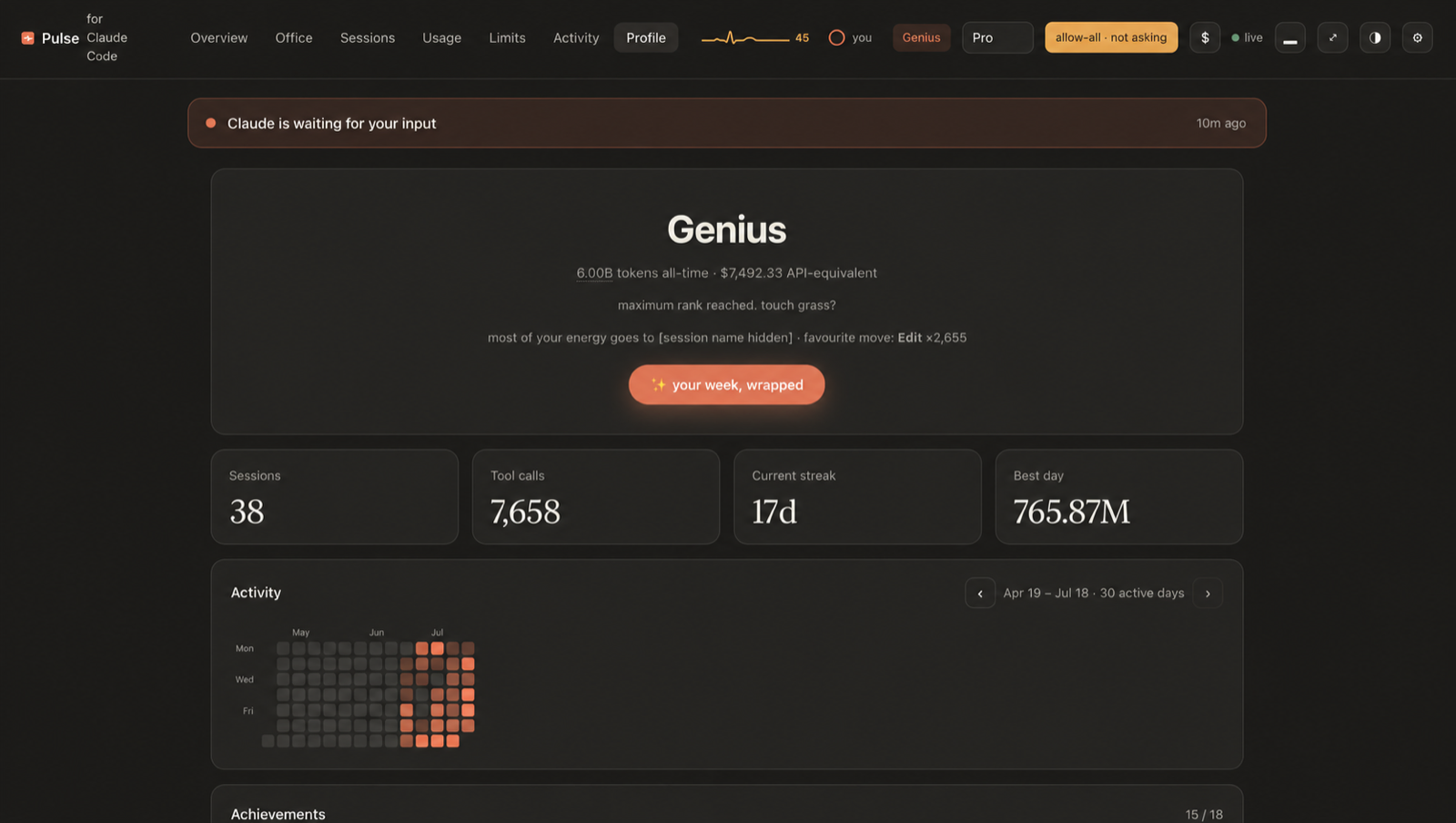
Rank, streak, records, and a wall of achievements, computed entirely from your local logs. Yes, there is an achievement for burning 100M tokens in a day. No, we are not proud of how it was earned.
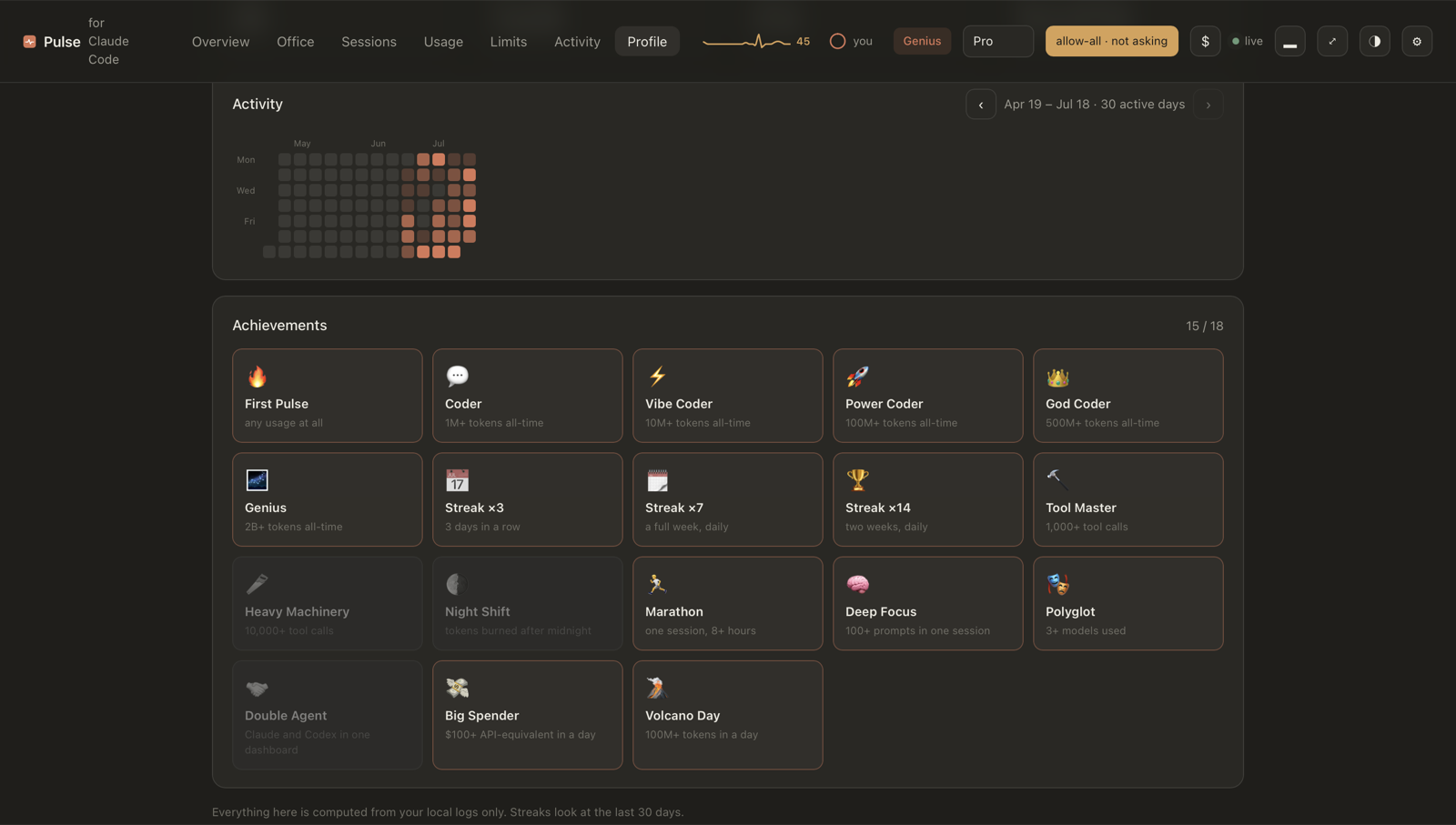
A GitHub-style activity heatmap: click any square and the day opens huge over frosted glass, with a plain-words summary of when you started, when you stopped, and where the tokens went.
The limits
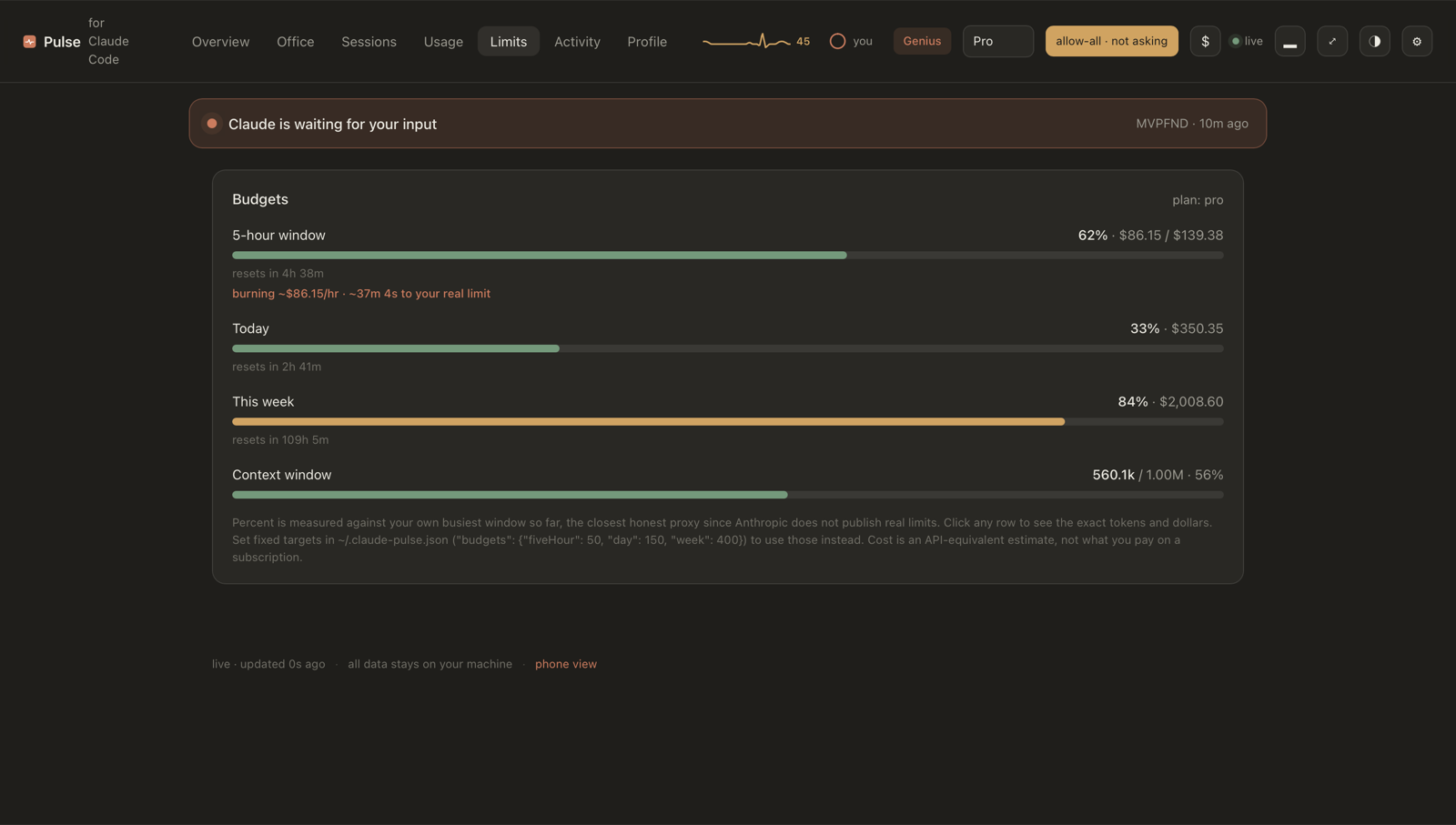
The honest version of "how much do I have left": measured against your own real ceiling (learned from your last limit hit), with burn rate and minutes-to-wall. Anthropic does not publish limits; Pulse does not pretend to know them.
Why you might want it
- Approve from anywhere. A phone push with working
Allow/Allow all/Denybuttons. No Wi-Fi setup, no IP, works on cellular. Approval cards show the actual command or diff, and each session has an auto mode for long unattended runs. - Schedule a message. Limit resets at 10:00? Open the session, type the time and "continue", walk away. Pulse resumes it headless at 10:00 and links you to the result.
- Never lose a session. One command recovers your last session as a readable transcript; auto-snapshots mean a crash never costs you context.
- See the spend. Tokens and API-equivalent cost by hour, day, week, model and project, against budgets you set, with a phone alert when you cross one.
- Your week, wrapped. A shareable Spotify-Wrapped-style card of your week, drawn to a PNG locally.
- Custom sounds.
claude-pulse gen-soundsgenerates the four UI sounds with ElevenLabs (done, attention, error, sent), each with one job. - Multiple machines. Point
extraRootsat rsync'd mirrors of another host and get one unified dashboard. - Search everything. Full-text search across every session on disk, one click to the transcript.
- Local and private. Reads
~/.clauderead only, serves on127.0.0.1, zero dependencies, no telemetry.
Quick start
Requires Node 18+. Run it with no install:
npx pulse-for-claude-code
Or install it globally, which puts the claude-pulse command on your PATH:
npm install -g pulse-for-claude-code
claude-pulse
Or clone it:
git clone https://github.com/nikitadoudikov/claude-pulse.git
cd claude-pulse
node bin/cli.js
Either way it opens http://127.0.0.1:4317. To get desktop and phone
notifications and to approve tool calls, wire the hooks (one command, safe to
re-run):
claude-pulse install-hooks # adds the hooks to ~/.claude/settings.json
Every claude-pulse <command> in this README assumes the global install. If
you use npx instead, the command is npx pulse-for-claude-code <command>,
e.g. npx pulse-for-claude-code install-hooks. From a clone it is
node bin/cli.js <command>.
Then restart Claude Code, and you are set. Other options:
claude-pulse --port 4317   # change the port
claude-pulse --no-open     # do not open the browser
Keep it running
Run in the foreground and Pulse dies when you close that terminal. To keep it alive independently, run it in the background:
claude-pulse start     # run detached, survives closing the terminal
claude-pulse status    # is it running?
claude-pulse stop      # stop it
claude-pulse restart   # stop and start again
If your terminal crashes, claude-pulse start brings it back in one command,
and a background instance is not affected by the crash in the first place.
On macOS you can hand Pulse to the system so it starts at login and respawns itself if it ever dies:
claude-pulse install-service     # start at login, auto-restart
claude-pulse uninstall-service   # remove it
Recover a lost session
Terminal crashed, laptop froze, hit a session limit? Nothing is lost: Claude Code writes every session to disk as it happens. One command brings the last one back, prints a recap and saves a readable transcript:
claude-pulse recover        # the most recent session
claude-pulse recover 2      # the one before that
claude-pulse recover <id>   # a specific session
It saves a light markdown file under ~/.claude-pulse/exports/ (a 15 MB log
becomes a ~180 KB file) and prints a link to read the full transcript in the
browser or on your phone. You can also open any session in the dashboard and use
open transcript / download .md.
While Pulse runs it also auto-snapshots every recently active session to
~/.claude-pulse/exports/snapshots/ (one file per session, rewritten only when
it changes). So the latest state is always on disk even if you never run
recover. Set snapshotMinutes to 0 in ~/.claude-pulse.json to turn it off.
To back up everything at once, claude-pulse export-all writes every session
into a single small gzipped markdown file, or use download all history on the
Sessions screen.
Search every session
Lost where you did something? The Sessions screen has a search box that scans every session on disk for a word or phrase and jumps you straight to the transcript. It works from your phone too.
On your phone
The simplest phone control is the ntfy notification itself: it carries working
Allow / Allow all / Deny buttons (see above), no network setup at all.
For a richer view, open http://<your-machine>:4317/phone on the same Wi-Fi
(needs bindLan: true) to see what Claude is doing right now plus a Pause /
Resume button. Pausing stops Claude from running further tools until you
resume. Both need the PreToolUse hook wired.
How it works
  ┌──────────────┐   writes .jsonl    ┌──────────────────────┐   SSE    ┌──────────────┐
  │  Claude Code │ ─────────────────▶ │  Pulse  (read only)  │ ───────▶ │  dashboard   │
  │  (terminal)  │                    │   127.0.0.1:4317     │          │  + phone     │
  └──────┬───────┘                    └──────────────────────┘          └──────────────┘
         │
         │  hooks:  Notification  ·  Stop  ·  PreToolUse
         ▼
  ┌─────────────────────────────┐
  │  ~/.claude-pulse/           │   pending approvals · decisions · events
  └─────────────────────────────┘
Claude Code logs every session as JSONL under ~/.claude/projects/. Each assistant
message carries a usage block (input, output and cache tokens) with a timestamp