Maintainer of this skill?

Automated security scan — not a certification.
Let Claude (or any LLM) actually watch a video — scene-aware, deduplicated frames + transcript, from a URL or local file. Runs locally, MIT.
# Add to your Claude Code skills
git clone https://github.com/HUANGCHIHHUNGLeo/claude-real-videoGuides for using cli tools skills like claude-real-video.
Last scanned: 7/18/2026
{
  "issues": [],
  "status": "PASSED",
  "scannedAt": "2026-07-18T06:03:59.745Z",
  "npmAuditRan": true,
  "pipAuditRan": true,
  "promptInjectionRan": true
}See how claude-real-video compares with popular alternatives.
claude-real-video is an open-source cli tools skill for AI coding assistants such as Claude Code, Codex CLI, and ChatGPT, built by HUANGCHIHHUNGLeo. Let Claude (or any LLM) actually watch a video — scene-aware, deduplicated frames + transcript, from a URL or local file. Runs locally, MIT. It has 2,232 GitHub stars.
Yes. claude-real-video passed SkillsLLM's automated security scan — a dependency vulnerability audit plus prompt-injection heuristics — with no high-severity issues. You can read the full report in the Security Report section on this page.
Clone the repository with "git clone https://github.com/HUANGCHIHHUNGLeo/claude-real-video" and add it to your Claude Code skills directory (see the Installation section above).
claude-real-video is primarily written in Python. It is open-source under HUANGCHIHHUNGLeo on GitHub, so you can review or fork the full source.
Yes. SkillsLLM lists many other CLI Tools skills you can browse and compare side by side. Open the CLI Tools category from the badge at the top of this page, or use the Related Skills and comparison links further down to weigh claude-real-video against similar tools.
No comments yet. Be the first to share your thoughts!
Top skills in this category by stars
Based on votes and bookmarks from developers who liked this skill
30 days in the Featured rail · terms & refunds
⚠️ Third-Party Software Notice
This skill is third-party open-source software developed and hosted independently on GitHub. SkillsLLM is an informational directory and does not control or maintain the underlying repository.
Any security checks, ratings, or warnings displayed by SkillsLLM are automated and limited in scope. They do not constitute a security certification or guarantee that the software is safe, error-free, or free from malicious code, vulnerabilities, compromised dependencies, or prompt-injection risks.
Review the source code, permissions, dependencies, and configuration before installing or running any third-party skill. Use is at your own risk. To the maximum extent permitted by applicable law, SkillsLLM is not liable for losses arising from third-party software.
Automated security scan — not a certification.


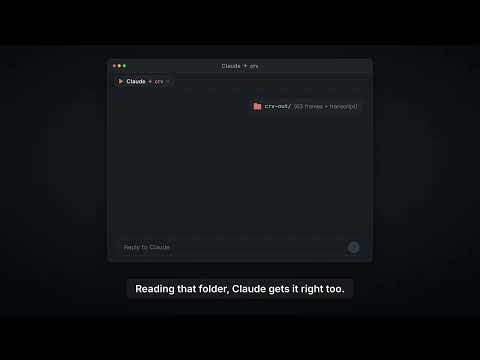
▶ 100-second demo: ChatGPT and Gemini can watch video, Claude can't. Here's what Claude answers once crv turns the video into frames plus a timestamped transcript.
▶ The 60-second pixel film — sound on (mp4 on GitHub) · an AI agent searches "how can an LLM truly understand video?", finds a key, and unlocks vision.
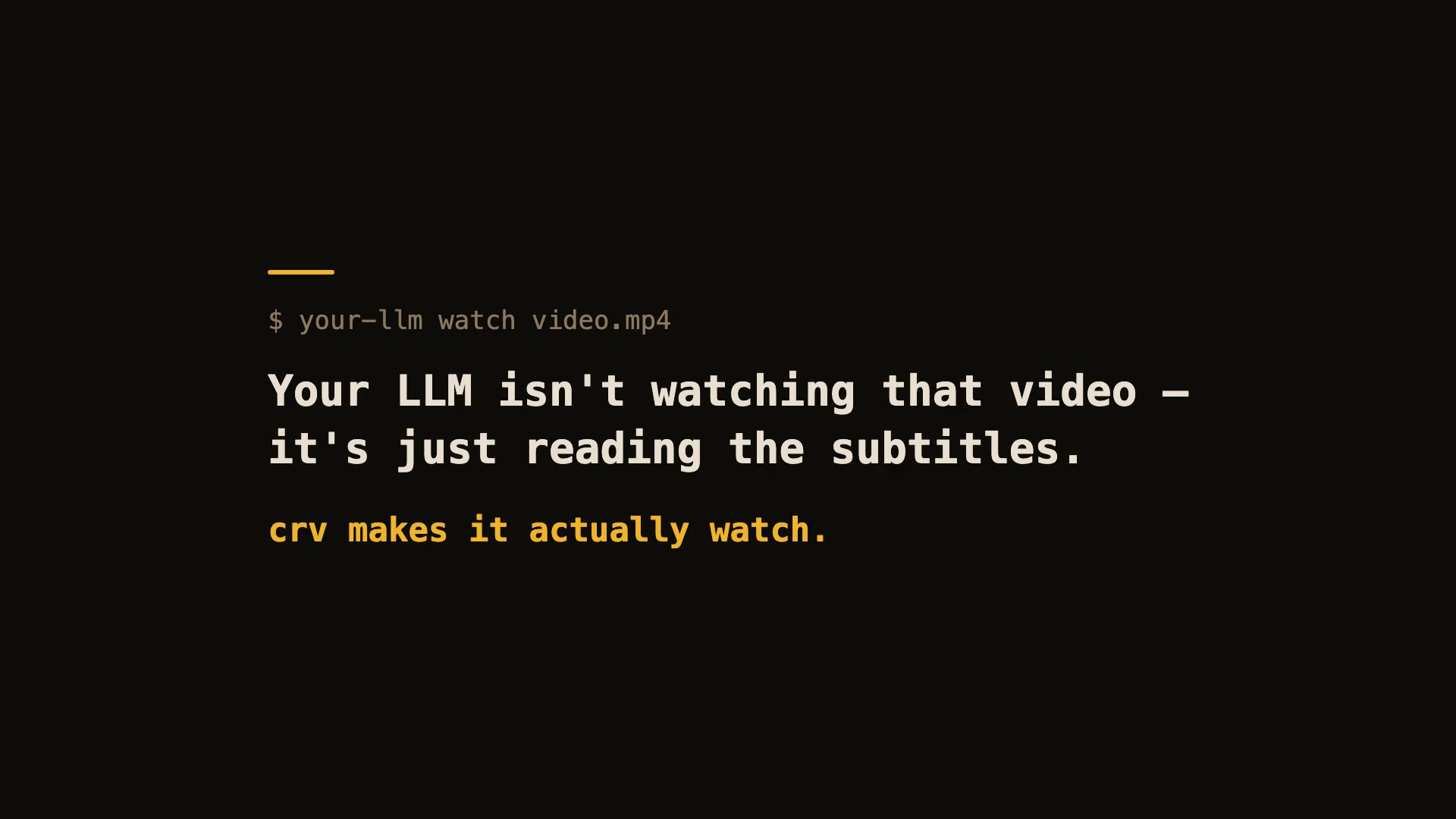
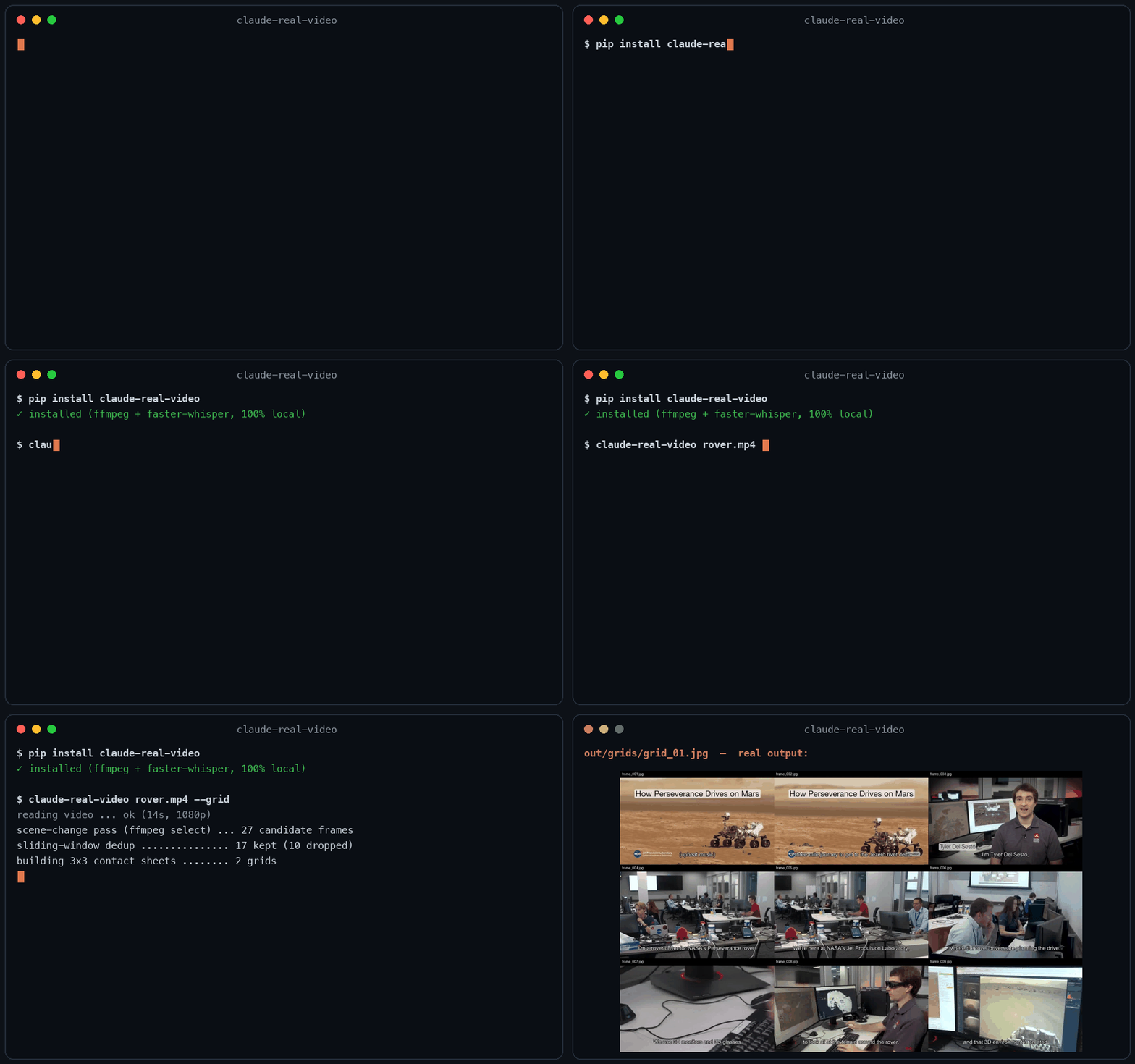
60-second real demo — real install, real run, real viewer.
Let Claude — or any LLM — actually watch a video.
pip install "claude-real-video[whisper]"
npx skills add HUANGCHIHHUNGLeo/claude-real-video   # one command, installs the skill into Claude Code, Cursor, Codex, Copilot, Gemini CLI & 50+ agent hosts
Claude Code plugin marketplace (enable auto-update in /plugin → Marketplaces if you want it):
/plugin marketplace add HUANGCHIHHUNGLeo/claude-real-video
/plugin install claude-real-video@claude-real-video
Then paste a video link into your agent and ask about it. (CLI-only use? crv "<url>" works with just the pip install.)
Naming: crv is the short name for claude-real-video (the PyPI package). The paid add-on, crv Pro, is sold on Capafy under the listing name "llm-real-video Pro".
▶ New: the 40-second film — my AI agent learned to watch videos (and stopped working)
Same 58-second clip: fixed 1 fps sampling = 58 frames. crv keeps the 26 that actually differ — and
--gridpacks them into 3 contact sheets. Fewer tokens, nothing missed.
This free version lets your AI see the video. crv Pro lets it understand it — how it was shot (cut rhythm, camera moves) plus a timestamped timeline of what frames can't show: gestures, expressions, voice pitch shifts, emotion, sound events. One-time price $29 — get it on Capafy or buy with card via Lemon Squeezy.
On Codex CLI? ▶ 36-second demo · Real Video for Codex is a self-contained build for it. You ask Codex about a video, it runs one command, then reads a
SUMMARY.mdwith chapters, a timecoded transcript and the text that was on screen, which this free edition leaves out. So it can quote the config block on the slide at 12:40, not only what the speaker said about it, and it answers you inhh:mm:ss. Download, frames, transcription and text recognition all run on your machine, and the tool itself needs no API key and no account. Ships with the Codex skill and acrv-easy doctorself-check. Python 3.10 to 3.14, macOS or Windows 11 native. One-time $9.90: get it on Capafy or buy with card via Lemon Squeezy.
Most AI tools don't really see a video. Paste a YouTube link into ChatGPT and it reads the transcript, not the picture. Claude won't take a video file at all. Even Gemini, which can read video natively, has to send it up to Google and samples frames at a fixed interval (1 fps by default), so fast cuts slip past.
claude-real-video does it differently, and the processing runs locally: point it at a URL or a
file, and it pulls the frames that actually matter (every scene change, not a
fixed quota), throws away the near-duplicates, transcribes the audio, and hands
you a clean folder any LLM can read. All the processing happens on your own machine — what gets sent anywhere is only the frames/text you choose to paste into an LLM afterwards.
crv "https://www.youtube.com/watch?v=..."
# → crv-out/frames/*.jpg  +  frames.json (per-frame timestamps)  +  transcript.txt/.json  +  MANIFEST.txt
Then drop the frames + MANIFEST.txt into Claude / ChatGPT / Gemini and ask away.
No terminal needed — run crv-web and a local page opens (Traditional Chinese / Simplified Chinese / English): paste a YouTube or Reels link or a file path, click Analyze, open the result viewer. Video analysis and output generation run on your machine — the source video never gets uploaded. (If you then paste the extracted frames or transcript into a cloud LLM, that data goes to that provider.)
Want to eyeball what the model will see first? Add --viewer — it writes a local viewer.html (video + keyframe grid + transcript) you can double-click open. No network, no extra installs.
Only part of a video matters (a 10-minute screen share inside a 90-minute call): --from 28:00 --to 43:00. ffmpeg seeks instead of decoding the whole file, Whisper only hears the window, and the frame budget is spent inside it — but every timestamp crv reports is still a source timecode you can quote to a colleague.
The meaning is small text (a terminal, a spreadsheet, an IDE): --frame-width 1600. Frame selection is the hard part and crv already does it; at 640px on a 1920-wide screen recording the right moment gets found and then the detail that made it worth finding is thrown away.
Slow-changing content (animation tutorials, gradual morphs, slow pans): add --adaptive — frames are picked against their rolling neighbourhood instead of a fixed threshold, so a 2-3s squash-and-stretch that never spikes any single frame still gets captured.
Text-heavy content (lecture slides, screen recordings, talking-head explainers): add --text-anchors — extra frames are forced at subtitle-cue timestamps, so each spoken segment gets a matching visual even when the scene barely changes. Needs a sidecar .srt/.vtt or an embedded subtitle track — captions burned into the pixels can't be detected. At most one forced frame per second; scene detection is untouched.
Multi-speaker content (interviews, podcasts, meetings): add --speakers — every transcript line gets a speaker label ([SPEAKER_00], [SPEAKER_01], …) so the model can follow who said what. Runs a local diarization model (45 MB, downloads once, no account or token needed). Install with pip install "claude-real-video[speakers]".
Not doing LLM work? It also works as a general-purpose video keyframe extractor — scene-change detection + dedup, no ML models to download.
Using Claude Code — or any coding agent? One command installs the skill (works with Claude Code, Cursor, Codex, Copilot, Gemini CLI and other agentskills.io-compatible hosts):
pip install "claude-real-video[whisper]"
npx skills add HUANGCHIHHUNGLeo/claude-real-video
Then just paste a video link into your agent and ask about it.
git clone https://github.com/HUANGCHIHHUNGLeo/claude-real-video.git
mkdir -p ~/.claude/skills && cp -r claude-real-video/skills/claude-real-video ~/.claude/skills/
Tell it why you're watching, and keep what it finds:
crv "https://youtu.be/..." --why "find the pricing strategy" --kb ~/notes
--why makes the analysis focus on what you care about instead of a generic summary;
--kb saves the result as a dated note in your own notes folder, so it doesn't die in crv-out.
New in 0.10.x — analyse only the part that matters:
crv long-meeting.mp4 --from 28:00 --to 43:00
--from / --to cut a window out of a long video: ffmpeg seeks instead of decoding
the whole file, the transcript and frame budget follow the window, and every reported
timestamp is still a source timecode you can quote back to the original.
Real run on a 3-minute 640x360 video (benchmark/jfk-rice.mp4), Mac mini M4, local CPU, frames + dedup only (--no-transcribe). Image tokens estimated with Anthropic's (width x height) / 750 — 307 tokens/frame at 640x360.
| Mode | Frames kept | Wall time | Est. image tokens |
|---|---|---|---|
| default (scene-change + 1s floor) | 170 (from 180 extracted) | 23.5 s | ~52k |
--max-frames 80 |
80 | 23.4 s | ~25k |
--adaptive (catches slow morphs) |
270 | 36.8 s | ~83k |
Dedup v0.7.16 — small-subject fast action no longer disappears. A percentage comparator is structurally blind to a subject that covers <1% of the frame (it can never change 8% of the pixels). Found in a user's 2,181-video batch run; fixed with a third "action channel". Synthetic repro — static 1280x720 shot, a 40x90 px subject (0.4% of frame) moves fast only in the last 10 of 65 frames:
| Frames kept | Action frames survived | |
|---|---|---|
| v0.7.15 | 2 | 1 / 10 |
| v0.7.16 | 11 | 10 / 10 — full |
