







Jupyter Notebook MCP Server (for Cursor)
This directory contains a Model Context Protocol (MCP) server designed to allow AI agents within Cursor to interact with Jupyter Notebook (.ipynb) files. It was created to overcome a limitation with Cursor. As of version 0.50.5, in Agent mode, the model could not edit notebooks or notebook cells in response to dialog in the AI chat pane. This provides the agent with a suite of MCP tools that allow direct notebook cell manipulation.
Although designed to overcome a limitation with Cursor, this MCP server does not have anything specific to Cursor other than the configuration instructions. You could easily configure this for use with VS Code (Insiders) or Claude Code or any model/agent that can take advantage of MCP. Note that VS Code (Insiders) has pretty good Jupyter Notebook support now.
This MCP server uses the nbformat library to safely manipulate notebook structures and enforces security by restricting operations to user-defined directories. It also uses nbconvert to enable exporting notebooks to various formats like Python scripts, HTML, and more. The server handles all notebook operations through a clean API that maintains notebook integrity and prevents malformed changes.
Latest Version
Current Version: 0.3.2 - See the CHANGELOG.md for details on recent changes. This version includes a fix for pydantic 2.12.0+ compatibility. Previous additions include SFTP support, Streamable HTTP transport, and new tools like notebook_edit_cell_output, notebook_bulk_add_cells, and notebook_get_server_path_context to improve notebook editing and path handling.
Video Walkthrough
Notebook MCP Server 0.3.0 Update (YouTube)
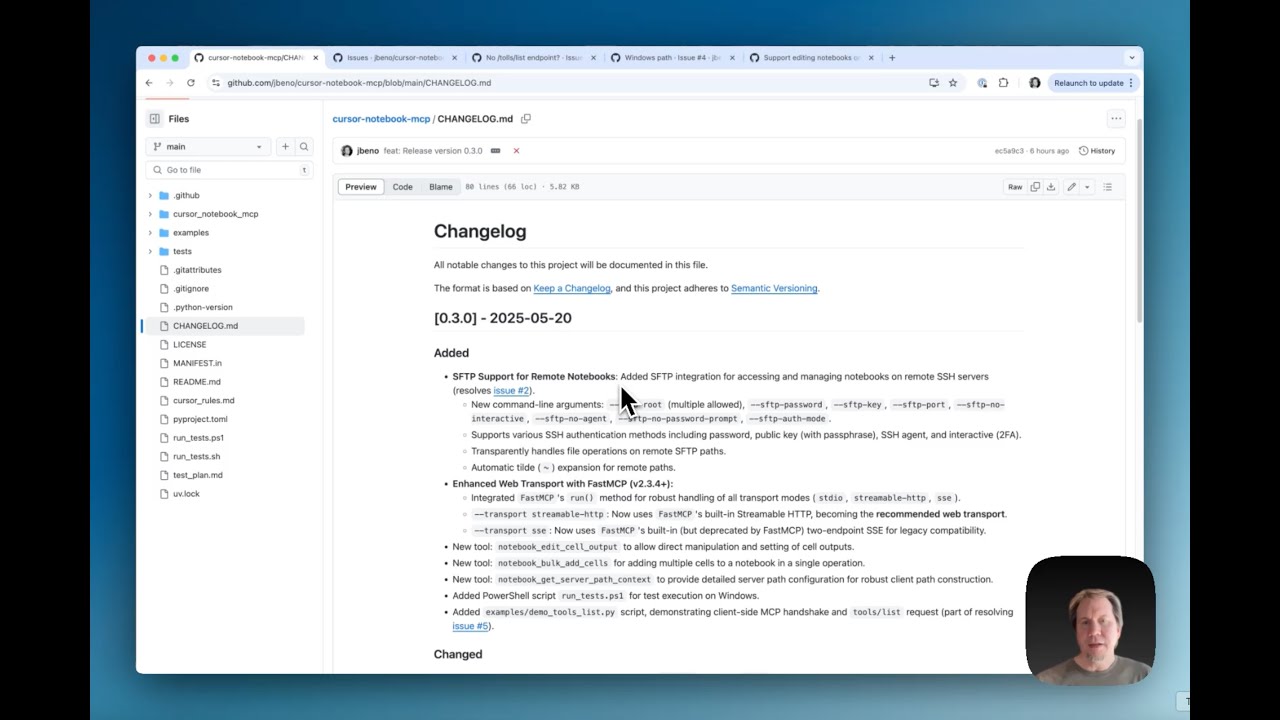
- Updates in the 0.3.0 release, overview of new tools
- FastMCP upgrade with streamable HTTP transport
- SFTP support for editing Jupyter notebooks on remote SSH servers,
- Issue resolution (#2, #4, #5) plus known issues (#1, #3)
Overview of Notebook MCP Server (YouTube)
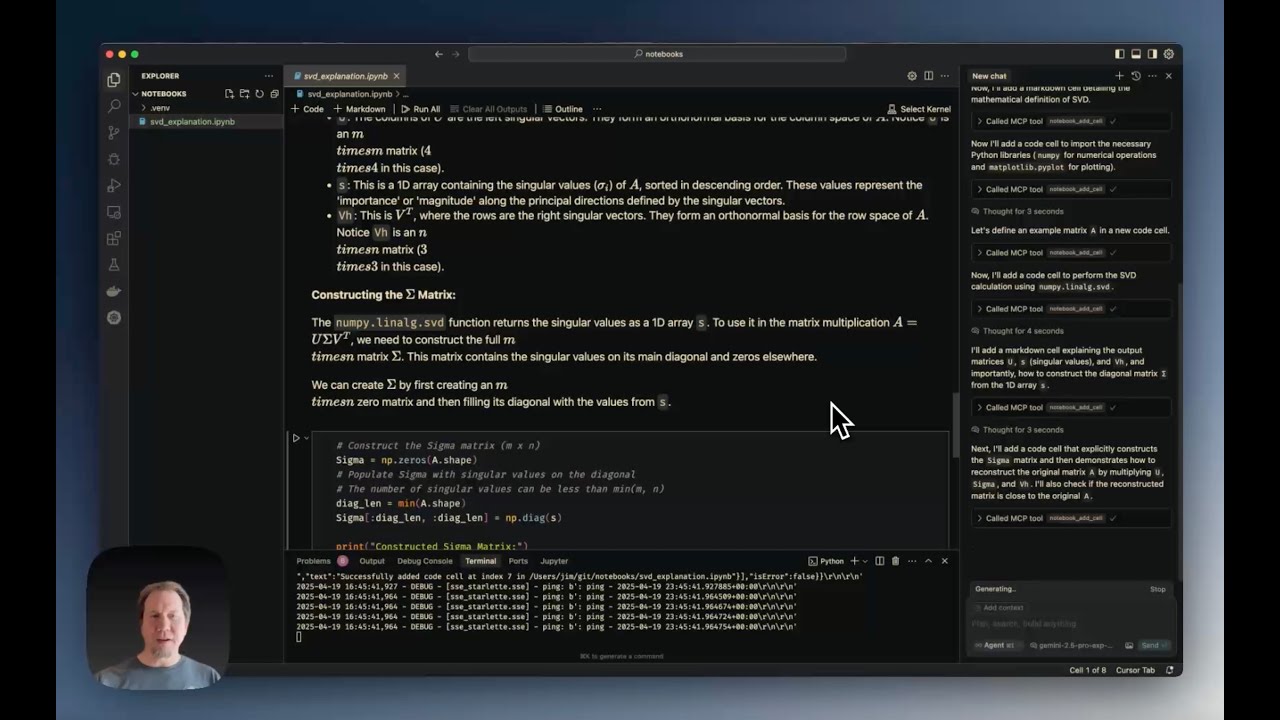
- The current limitations of editing notebooks directly in Cursor.
- Installing and configuring the Notebook MCP Server.
- Creating a notebook from scratch (example shown: Singular Value Decomposition tutorial in less than 2 minutes).
- Demonstrating various editing tools (edit, split, duplicate cells).
- Reading notebook metadata.
- Exporting notebooks to python
Features
Exposes the following MCP tools (registered under the notebook_mcp server):
notebook_create: Creates a new, empty notebook file.notebook_delete: Deletes an existing notebook file.notebook_rename: Renames/moves a notebook file from one path to another.notebook_read: Reads an entire notebook and returns its structure as a dictionary.notebook_read_cell: Reads the source content of a specific cell.notebook_add_cell: Adds a new code or markdown cell after a specified index.notebook_edit_cell: Replaces the source content of a specific cell.notebook_delete_cell: Deletes a specific cell.notebook_change_cell_type: Changes a cell's type (code, markdown, or raw).notebook_duplicate_cell: Duplicates a cell multiple times (default: once).notebook_get_cell_count: Returns the total number of cells.notebook_read_metadata: Reads the top-level notebook metadata.notebook_edit_metadata: Updates the top-level notebook metadata.notebook_read_cell_metadata: Reads the metadata of a specific cell.notebook_read_cell_output: Reads the output list of a specific code cell.notebook_edit_cell_metadata: Updates the metadata of a specific cell.notebook_clear_cell_outputs: Clears the outputs and execution count of a specific cell.notebook_clear_all_outputs: Clears outputs and execution counts for all code cells.notebook_move_cell: Moves a cell to a different position.notebook_split_cell: Splits a cell into two at a specified line number.notebook_merge_cells: Merges a cell with the cell immediately following it.notebook_validate: Validates the notebook structure against thenbformatschema.notebook_get_info: Retrieves general information (cell count, metadata, kernel, language info).notebook_export: Exports the notebook to another format (e.g., python, html) using nbconvert. Note: See External Dependencies below for requirements needed for certain export formats like PDF.notebook_get_outline: Produces an outline showing cell numbers with major headings/functions and line counts to make it easier for the agent to navigate a large notebook.notebook_search: Searches cells for a keyword, showing which cell matches were found with contextual snippets. This helps the agent know which cell to read/edit when asked to modify something.notebook_edit_cell_output: Allows direct manipulation and setting of cell outputs.notebook_bulk_add_cells: Adds multiple cells to a notebook in a single operation.notebook_get_server_path_context: Provides detailed server path configuration (allowed_roots, OS path style, SFTP status, project directory validation, and path construction guidance).
Requirements
This project has both Python package dependencies and potentially external system dependencies for full functionality.
Python Dependencies
- Python Version: 3.10+
- Core:
mcp>=0.1.0,nbformat>=5.0,nbconvert>=6.0,ipython,jupyter_core,paramiko>=2.8.0,fastmcp>=2.7.0,<2.11,pydantic>=2.0.0,<2.12.0,uvicorn>=0.20.0,starlette>=0.25.0. These are installed automatically when you installcursor-notebook-mcpand provide support for all transport modes (stdio, Streamable HTTP, SSE). - Optional - Development/Testing:
pytest>=7.0,pytest-asyncio>=0.18,pytest-cov,pytest-timeout>=2.0.0,coveralls. Install viapip install -e ".[dev]"from source checkout.
External System Dependencies (Optional)
These are not Python packages and must be installed separately on your system for certain features to work:
- Pandoc: Required by
nbconvertfor many non-HTML export formats (including the intermediate steps for PDF). See Pandoc installation instructions. - LaTeX (XeLaTeX recommended): Required by
nbconvertfor exporting notebooks directly to PDF (--to pdfoption used bynotebook_exportwithexport_format="pdf"). See Installing TeX.
If these external dependencies are missing, the notebook_export tool may fail when attempting to export to formats that rely on them (like PDF). Be sure to install them if you plan to use these features.
Installation
From PyPI
The standard installation command will install all necessary dependencies to support stdio, Streamable HTTP, and SSE transport modes.
- Using pip:
pip install cursor-notebook-mcp - Using uv:
uv pip install cursor-notebook-mcp
Development Installation (From Source)
-
Clone this repository:
git clone https://github.com/jbeno/cursor-notebook-mcp.git # Or your fork cd cursor-notebook-mcp -
Create and activate a virtual environment (recommended):
# Using Python's venv python -m venv .venv source .venv/bin/activate # On Windows use `.venv\Scripts\activate` # Or using uv (if installed) # uv venv # source .venv/bin/activate # On Windows use `.venv\Scripts\activate` -
Install in editable mode with all optional dependencies:
- Using pip:
# Installs the package in editable mode along with test dependencies. pip install -e ".[dev]" # To install in editable mode without extra test dependencies: # pip install -e . - Using uv:
# Installs the package in editable mode along with test dependencies.
uv pip install -e ".[dev]"

# To install in editable mode without extra test dependencies:
# uv pip install -e .
- Using pip:
Server Configuration and Cursor Integration
This section details how to run the cursor-notebook-mcp server and configure Cursor to use it, depending on the chosen transport protocol.
1. Streamable HTTP Transport (Recommended)
With Streamable HTTP, you r