




evil-winrm-py is a python-based tool for executing commands on remote Windows machines using the WinRM (Windows Remote Management) protocol. It provides an interactive shell with enhanced features like file upload/download with progress and checksum verification, tab-completion of local/remote paths and PowerShell cmdlets, loading and running PowerShell scripts, in-memory execution of DLLs and EXEs, command history, and colorized output. It can also run as an MCP server, exposing WinRM sessions as tools for MCP-compatible clients. It supports various authentication methods including NTLM, Pass-the-Hash, Certificate, and Kerberos. skip to installation
[!NOTE] This tool is designed strictly for educational, ethical use, and authorized penetration testing. Always ensure you have explicit authorization before accessing any system. Unauthorized access or misuse of this tool is both illegal and unethical.
Motivation
The original evil-winrm is written in Ruby, which can be a hurdle for some users. Rewriting it in Python makes it more accessible and easier to use, while also allowing us to leverage Python’s rich ecosystem for added features and flexibility.
I also wanted to learn more about winrm and its internals, so this project will also serve as a learning experience for me.
Features
- Execute commands on remote Windows machines via an interactive shell.
- Download files from the remote host to the local machine.
- Upload files from the local machine to the remote host.
- Progress bar for file transfers with speed and time estimation.
- Stable and reliable file transfer including support for large files with MD5 checksum verification.
- Auto-complete local and remote file paths (even those with spaces) with
Tabcompletion. - Auto-complete PowerShell cmdlets/helpers with
Tabcompletion. - Load PowerShell functions from local scripts into the interactive shell.
- Run local PowerShell scripts on the remote host.
- Load local DLLs (in-memory) as PowerShell modules on the remote host.
- Upload and execute local EXEs (in-memory) on the remote host.
- List the running services (except system services) on the remote host.
- Optional MCP server mode to expose WinRM login/execute/logout as tools for MCP clients, with support for multiple concurrent sessions. 🆕
- Enable logging and debugging for better traceability.
- Navigate command history using
up/downarrow keys. - Display colorized output for improved readability.
- Lightweight and Python-based for ease of use.
- Keyboard Interrupt (Ctrl+C / Ctrl+D) support to terminate long-running commands gracefully.
Includes support for:
- NTLM authentication.
- Pass-the-Hash authentication.
- Certificate authentication.
- Kerberos authentication with custom SPN prefix and hostname options.
- SSL to secure communication with the remote host.
- custom WSMan URIs.
- custom user agent for the WinRM client.
- connecting to Just Enough Administration (JEA) session configurations. 🆕
Detailed documentation can be found in the docs directory.
Installation
Installation of Kerberos prerequisites on Linux
sudo apt install gcc python3-dev libkrb5-dev krb5-pkinit
# Optional: krb5-user
Install evil-winrm-py
You may use uv/pipx instead of pip to install evil-winrm-py.
uv/pipxis a tool to install and run Python applications in isolated environments, which helps prevent dependency conflicts by keeping the tool's dependencies separate from your system's Python packages.
Check Installation Guide for more details.
pip install evil-winrm-py
# for optional dependencies use any one of the following commands:
pip install evil-winrm-py[kerberos] # for kerberos support on Linux
pip install evil-winrm-py[mcp] # for mcp support
pip install evil-winrm-py[kerberos,mcp] # to install both optional dependencies

# Note: building gssapi and krb5 packages may take some time, so be patient.
or if you want to install with latest commit from the main branch you can do so by cloning the repository and installing it with pip/uv/pipx:
git clone https://github.com/adityatelange/evil-winrm-py
cd evil-winrm-py
pip install .
# or use: pip install .[kerberos,mcp] to install both optional dependencies
Update
pip install --upgrade evil-winrm-py
Uninstall
pip uninstall evil-winrm-py
Availability on Unix distributions

For above mentioned distributions, you can install evil-winrm-py directly from their package managers. Thanks to the package maintainers for packaging and maintaining evil-winrm-py in their respective distributions.
Usage
Details on how to use evil-winrm-py can be found in the Usage Guide.
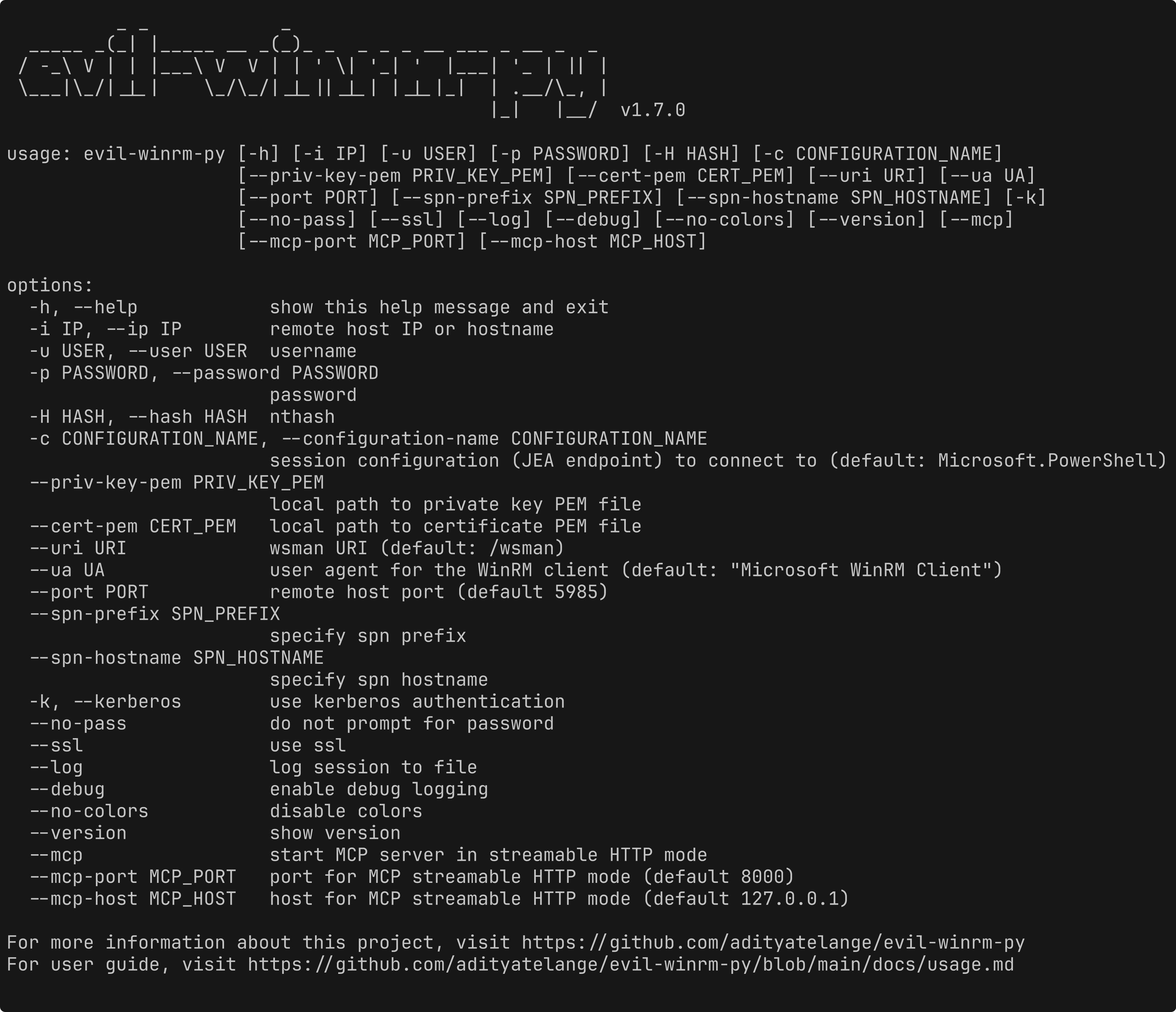
usage: evil-winrm-py [-h] [-i IP] [-u USER] [-p PASSWORD] [-H HASH] [-c CONFIGURATION_NAME]
                     [--priv-key-pem PRIV_KEY_PEM] [--cert-pem CERT_PEM] [--uri URI] [--ua UA]
                     [--port PORT] [--spn-prefix SPN_PREFIX] [--spn-hostname SPN_HOSTNAME] [-k]
                     [--no-pass] [--ssl] [--log] [--debug] [--no-colors] [--version] [--mcp]
                     [--mcp-port MCP_PORT] [--mcp-host MCP_HOST]

options:
  -h, --help            show this help message and exit
  -i IP, --ip IP        remote host IP or hostname
  -u USER, --user USER  username
  -p PASSWORD, --password PASSWORD
                        password
  -H HASH, --hash HASH  nthash
  -c CONFIGURATION_NAME, --configuration-name CONFIGURATION_NAME
                        session configuration (JEA endpoint) to connect to (default: Microsoft.PowerShell)
  --priv-key-pem PRIV_KEY_PEM
                        local path to private key PEM file
  --cert-pem CERT_PEM   local path to certificate PEM file
  --uri URI             wsman URI (default: /wsman)
  --ua UA               user agent for the WinRM client (default: "Microsoft WinRM Client")
  --port PORT           remote host port (default 5985)
  --spn-prefix SPN_PREFIX
                        specify spn prefix
  --spn-hostname SPN_HOSTNAME
                        specify spn hostname
  -k, --kerberos        use kerberos authentication
  --no-pass             do not prompt for password
  --ssl                 use ssl
  --log                 log session to file
  --debug               enable debug logging
  --no-colors           disable colors
  --version             show version
  --mcp                 start MCP server in streamable HTTP mode
  --mcp-port MCP_PORT   port for MCP streamable HTTP mode (default 8000)
  --mcp-host MCP_HOST   host for MCP streamable HTTP mode (default 127.0.0.1)

For more information about this project, visit https://github.com/adityatelange/evil-winrm-py
For user guide, visit https://github.com/adityatelange/evil-winrm-py/blob/main/docs/usage.md
Example:
evil-winrm-py -i 192.168.1.100 -u Administrator -p P@ssw0rd --ssl
Menu Commands (inside evil-winrm-py shell)
Menu:
[+] services                                                - Show the running services (except system services)
[+] upload <local_path> <remote_path>                       - Upload a file
[+] download <remote_path> <local_path>                     - Download a file
[+] loadps <local_path>.ps1                                 - Load PowerShell functions from a local script
[+] runps <local_path>.ps1                                  - Run a local PowerShell script on the remote host
[+] loaddll <local_path>.dll                                - Load a local DLL (in-memory) as a module on the remote host
[+] runexe <local_path>.exe [args]                          - Upload and execute (in-memory) a local EXE on the remote host
[+] menu                                                    - Show this menu
[+] clear, cls                                              - Clear the screen
[+] exit                                                    - Exit the shell
Note: Use absolute paths for upload/download for reliability.
MCP Server Mode
With the mcp extra installed, you can run evil-winrm-py as an MCP server, exposing WinRM login/execute/logout as tools for MCP-compatible clients (e.g. Claude, other AI agents) over streamable HTTP. It supports multiple concurrent WinRM sessions via a session_id.
evil-winrm-py --mcp
# or customize the address:
evil-winrm-py --mcp --mcp-host 0.0.0.0 --mcp-port 8000
[!WARNING] Since MCP server mode allows remote command execution on Windows hosts via MCP tools, only expose it on trusted networks and to trusted MCP clients.
Credits
- Original evil-winrm project - https://github.com/Hackplayers/evil-winrm
- PowerShell Remoting Protocol for Pyth