Maintainer of this skill?

Automated security scan — not a certification.
by boommanpro
一个现代化的可视化规则引擎平台,用于编排复杂的 AI 工作流。在无限画布上设计、测试和部署 AI 流程——无需编写代码。结合 flowgram.ai 的能力与 Java 服务端,提供生产级工作流管理。在此之上提供AI Agent / Copilot的助手编排能力。
# Add to your Claude Code skills
git clone https://github.com/boommanpro/gaia-workflow-engineGuides for using ai agents skills like gaia-workflow-engine.
Last scanned: 8/8/2026
{
  "issues": [],
  "status": "PASSED",
  "scannedAt": "2026-08-08T04:55:40.698Z",
  "npmAuditRan": true,
  "pipAuditRan": true,
  "promptInjectionRan": true
}See how gaia-workflow-engine compares with popular alternatives.
gaia-workflow-engine is an open-source ai agents skill for AI coding assistants such as Claude Code, Codex CLI, and ChatGPT, built by boommanpro. 一个现代化的可视化规则引擎平台,用于编排复杂的 AI 工作流。在无限画布上设计、测试和部署 AI 流程——无需编写代码。结合 flowgram.ai 的能力与 Java 服务端,提供生产级工作流管理。在此之上提供AI Agent / Copilot的助手编排能力。. It has 218 GitHub stars.
Yes. gaia-workflow-engine passed SkillsLLM's automated security scan — a dependency vulnerability audit plus prompt-injection heuristics — with no high-severity issues. You can read the full report in the Security Report section on this page.
Clone the repository with "git clone https://github.com/boommanpro/gaia-workflow-engine" and add it to your Claude Code skills directory (see the Installation section above).
gaia-workflow-engine is primarily written in Java. It is open-source under boommanpro on GitHub, so you can review or fork the full source.
Yes. SkillsLLM lists many other AI Agents skills you can browse and compare side by side. Open the AI Agents category from the badge at the top of this page, or use the Related Skills and comparison links further down to weigh gaia-workflow-engine against similar tools.
No comments yet. Be the first to share your thoughts!
From $49 · 30 days · terms & refunds
⚠️ Third-Party Software Notice
This skill is third-party open-source software developed and hosted independently on GitHub. SkillsLLM is an informational directory and does not control or maintain the underlying repository.
Any security checks, ratings, or warnings displayed by SkillsLLM are automated and limited in scope. They do not constitute a security certification or guarantee that the software is safe, error-free, or free from malicious code, vulnerabilities, compromised dependencies, or prompt-injection risks.
Review the source code, permissions, dependencies, and configuration before installing or running any third-party skill. Use is at your own risk. To the maximum extent permitted by applicable law, SkillsLLM is not liable for losses arising from third-party software.
Automated security scan — not a certification.
可视化构建 AI 工作流,基于 flowgram.ai 驱动。




一个现代化的可视化规则引擎平台,用于编排复杂的 AI 工作流。在无限画布上设计、测试和部署 AI 流程——无需编写代码。结合 flowgram.ai 的能力与 Java 服务端,提供生产级工作流管理。
/api/agent/metrics/*:工具调用、会话运行、事件流、LLM 调用账本与上下文占用统计(AgentObservabilityController,供管理端/运维侧消费)。| 页面 | 预览 |
|---|---|
| 首页 — 国际化产品介绍页 | 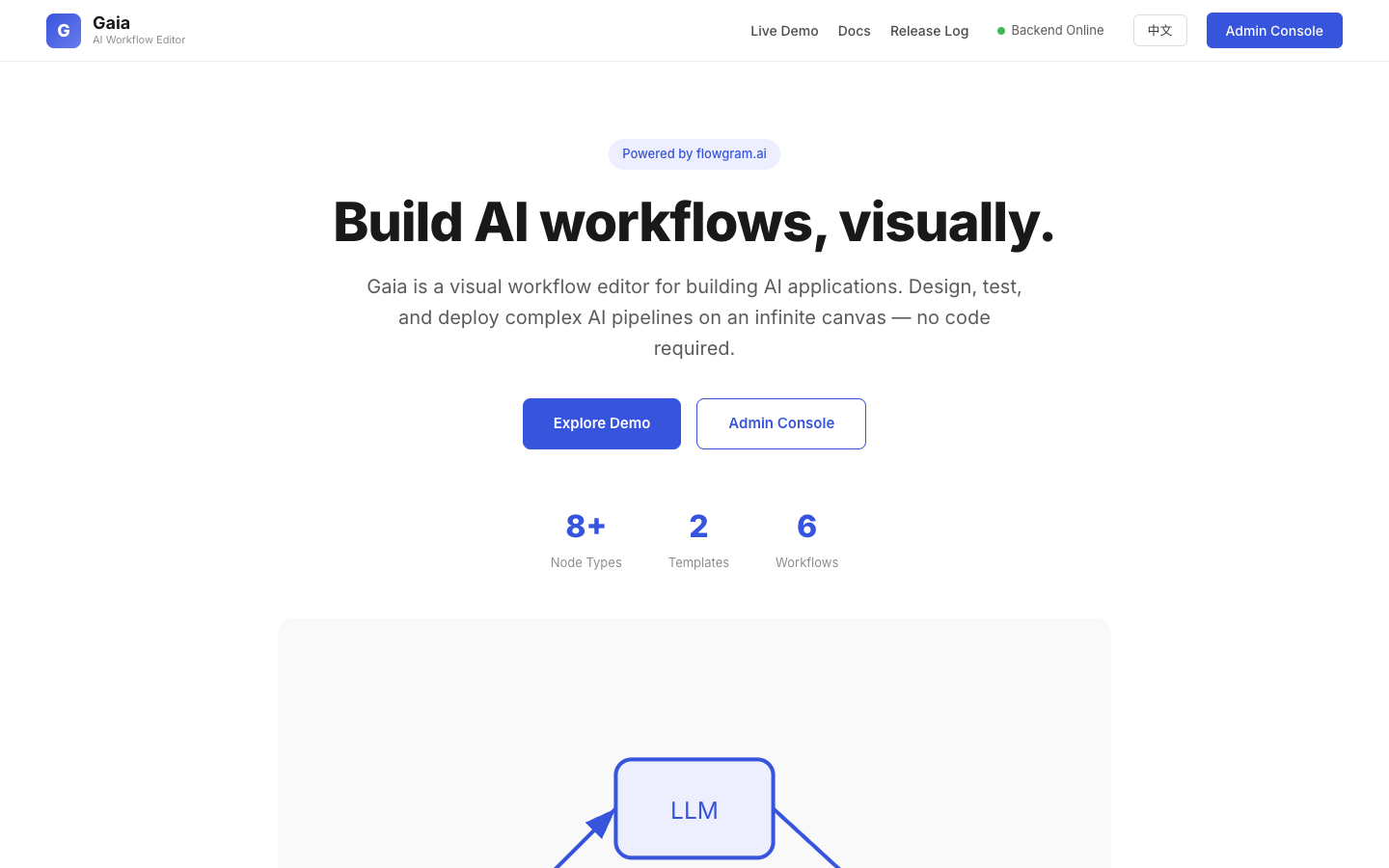 |
| 在线演示 — 可交互工作流画布(可拖拽、可新增节点、不可运行) | 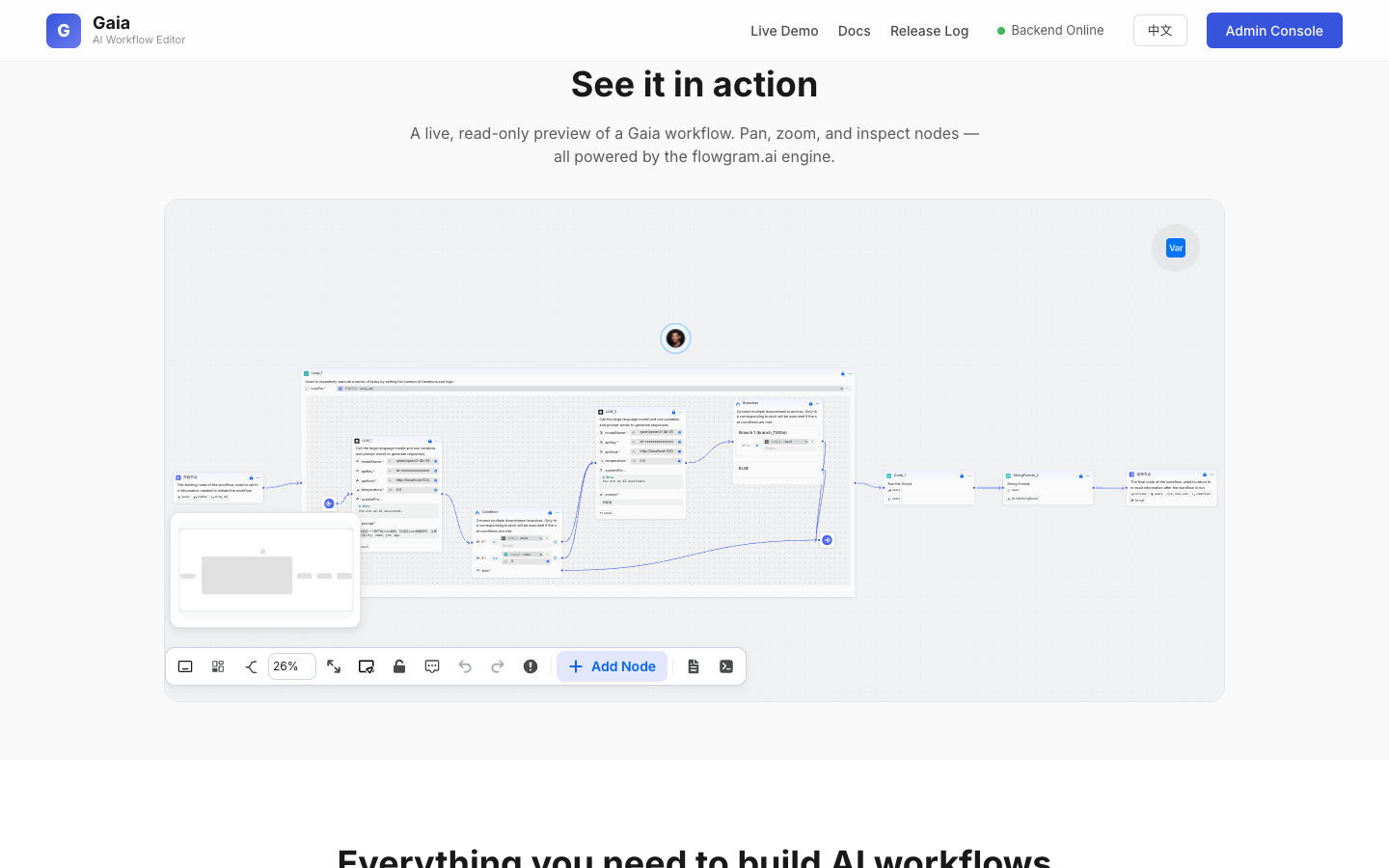 |
| 文档 — 快速开始、环境准备、部署方案 | 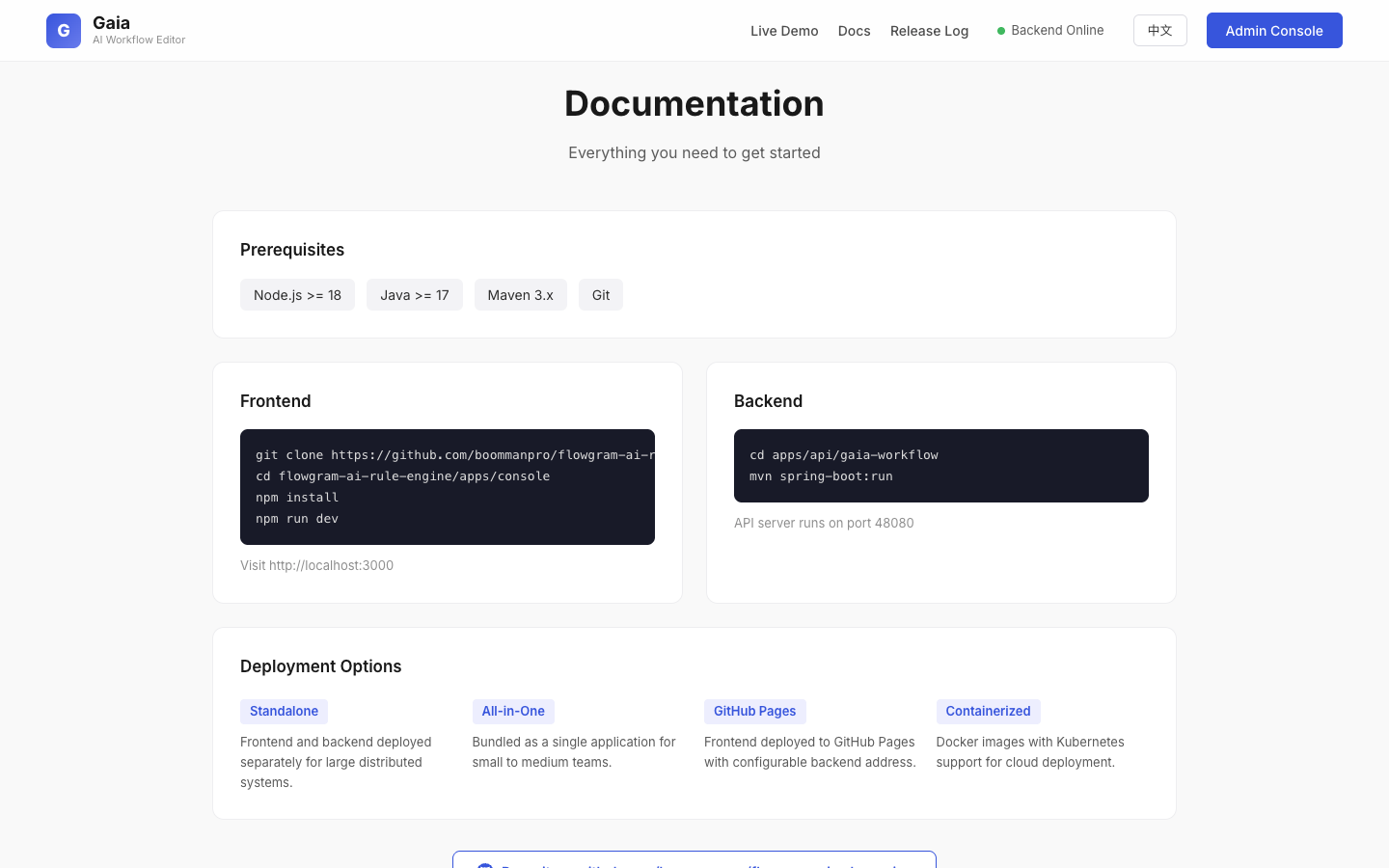 |
| 编辑器 — 可视化工作流编辑器,含版本管理 | 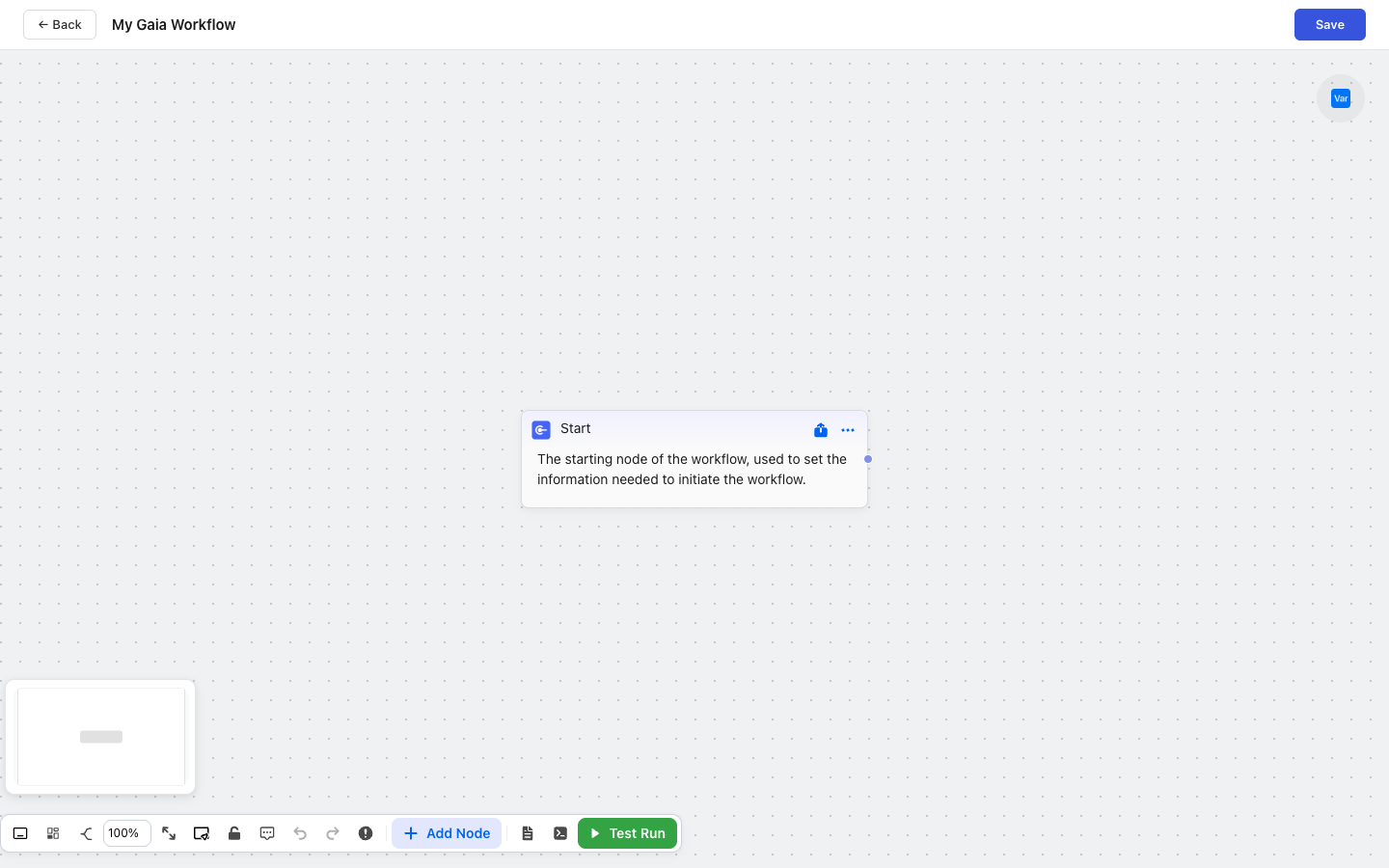 |
| 管理后台 · 工作流 — 工作流管理控制台 | 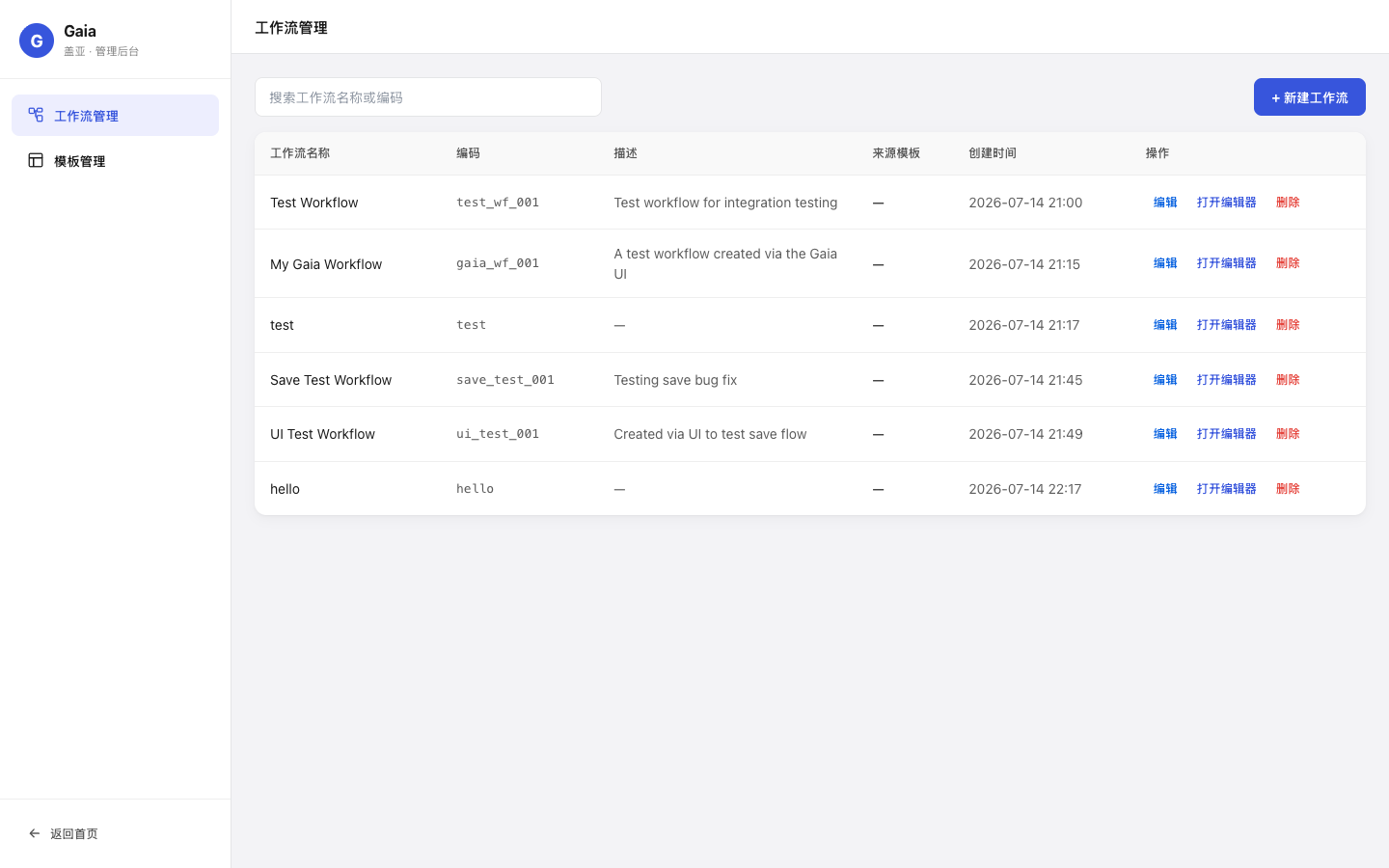 |
| 管理后台 · 模板 — 模板管理控制台 | 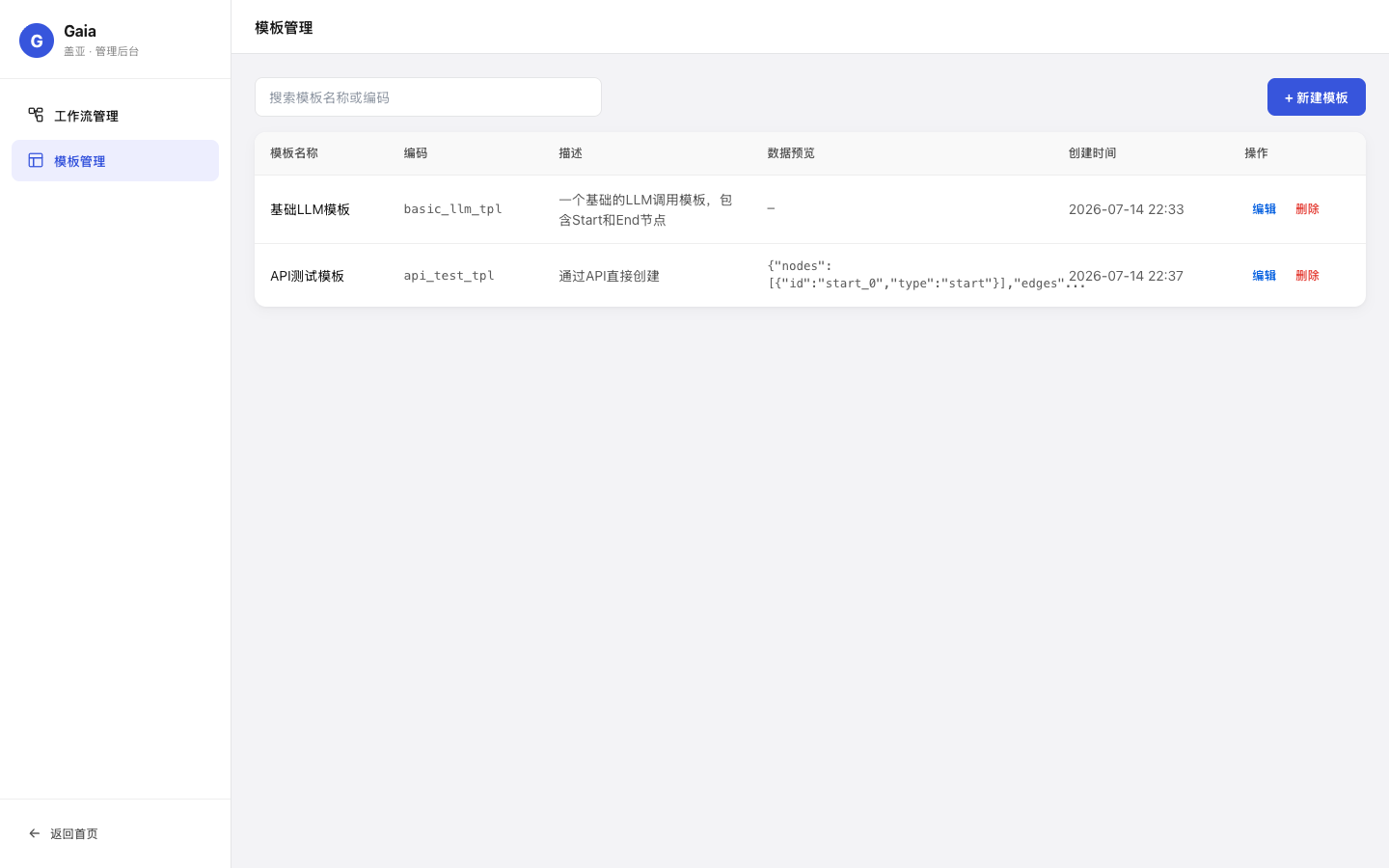 |
| 发布日志 — 版本历史时间线 | 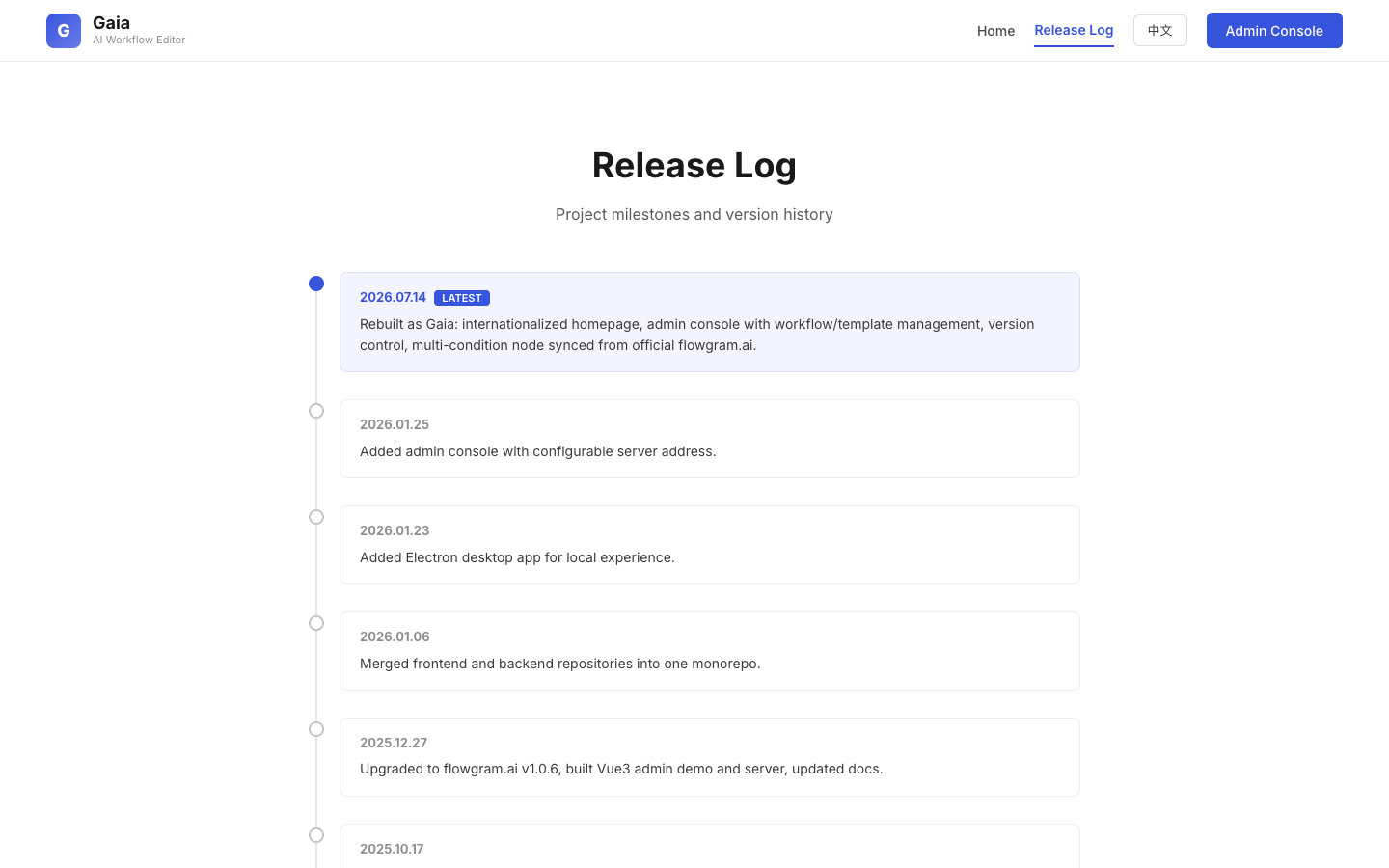 |
| 页面 | 预览 |
|---|---|
| AI Agent 对话 — 侧边栏对话式生成工作流,CreatePlan 分步规划 + 步骤执行卡片 |  |
| 调试信息面板 — 原始请求/响应、SSE Event、Context 详情、Raw JSON,点击消息跳转定位 |  |
| Agent 配置中心 · 模型 — API Host/Key、模型参数、Embedding 向量检索(BGE) |  |
| Agent 配置中心 · 提示词 — 默认系统提示词 + 工具集定义(navigate/query/manage/canvas) |  |
| Agent 执行工作流 — 在画布上自动创建节点与连线,逐步测试并执行 |  |
| 要求 | 版本 |
|---|---|
| Node.js | >= 18 |
| Java | >= 17 |
| Maven | 3.x |
| Git | 任意 |
git clone https://github.com/boommanpro/gaia-workflow-engine.git
cd gaia-workflow-engine/apps/console
npm install
npm run dev
cd apps/api/gaia-workflow
mvn install -DskipTests     # 首次克隆必做:把 base/infra 构件装进本地仓库
cd gaia-workflow-app
mvn spring-boot:run         # 开发模式启动,端口 48080
多模块注意:
gaia-workflow-app单模块启动依赖本地仓库中的 base/infraSNAPSHOT构件,克隆后或 base/infra 有改动时,必须先在聚合目录apps/api/gaia-workflow下执行mvn install -DskipTests。
生产部署可打包为可执行 jar:
cd apps/api/gaia-workflow
mvn package -DskipTests
java -jar gaia-workflow-app/target/gaia-workflow-app-0.0.1-SNAPSHOT.jar
API 服务运行在 48080 端口。SQLite 数据库文件 gaia_workflow.db 创建在进程工作目录,首次启动自动建库建表并写入默认配置。
Agent 对话需要一个 OpenAI 兼容的 LLM 端点(vLLM / Ollama / LM Studio / 各类网关均可)。启动后在浏览器进入 管理 → 配置 → 模型配置,填写 API Host / API Key / 模型名并保存——配置写入 agent_config 表,即时生效,无需重启。
| 层级 | 技术 |
|---|---|
| 前端 | React 18, TypeScript, flowgram.ai 1.0.12 |
| 后端 | Spring Boot, MyBatis Plus, Java 17 |
| 数据库 | SQLite |
| 构建 | rsbuild (前端), Maven (后端) |
完整文档请访问首页文档部分。
flowgram.ai 框架文档:https://flowgram.ai/guide/
完整里程碑历史请查看发布日志页面。
git checkout -b feature/AmazingFeature)git commit -m 'Add some AmazingFeature')git push origin feature/AmazingFeature)我们遵循 Conventional Commits 规范。
本项目采用 MIT 许可证 — 详见 LICENSE 文件。
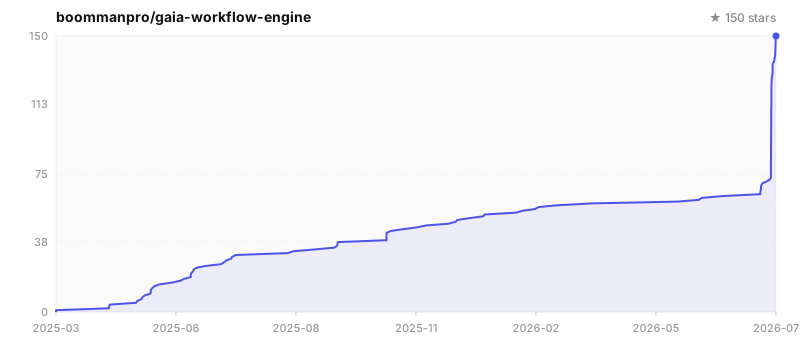
在线演示 · 管理后台 · 发布日志 · Issues · Discussions