MCP for Adobe Premiere Pro — local MCP server

Adobe Premiere Pro MCP server for reviewable, local-first workflows with compatible AI assistants.
Premiere Pro automation for Claude, Cursor, Codex, and other MCP clients: AI-assisted editing, project organization, and export checks through Adobe's documented UXP and CEP/ExtendScript APIs.
Free, MIT licensed, local-first, and published to npm as premiere-pro-mcp — the only package name that installs this project.
Website · Recorded demo · Compare servers · Setup guides · Search tools · Troubleshooting · Release facts
Development source: 391 core tools across 58 modules, 4 resources, and 24 guided workflows. A connected UXP host adds 96 capability-gated tools.
The completed AE render handoff previews and confirms importing one finished render into an existing Premiere bin, with host and file rechecks and an import receipt.











- What is this?
- For editors evaluating an AI workflow
- Quick Start
- Clients and capability coverage
- Architecture
- Tools
- MCP Resources
- Remote Deployment (Fly.io)
- Environment Variables
- Project Structure
- Technical Details
- Frequently asked questions
- Troubleshooting
- Star history
- Support the project
- Contributing · License
What is this?
MCP for Adobe Premiere Pro is the independent, MIT-licensed local MCP server
published as premiere-pro-mcp by
leancoderkavy/premiere-pro-mcp.
Install this package and its separate Premiere connector to connect a compatible
AI assistant to supported project inspection, timeline editing, and export tools.
Start with verify_premiere_connection and make no changes until the bridge works.
Find the right Adobe Premiere Pro MCP guide
| Goal | Guide |
|---|---|
| Understand the local server and connector | What is Adobe Premiere Pro MCP? |
| Connect Claude Desktop, Cursor, or Codex | Claude Desktop · Cursor · Codex |
| Choose between similarly named projects | Source-linked server comparison |
| Match a repeatable task to a tool and verification step | Adobe Premiere Pro automation guide |
| Check a tool before planning an edit | Published tool catalog |
| Confirm released version and provenance | Published package facts |
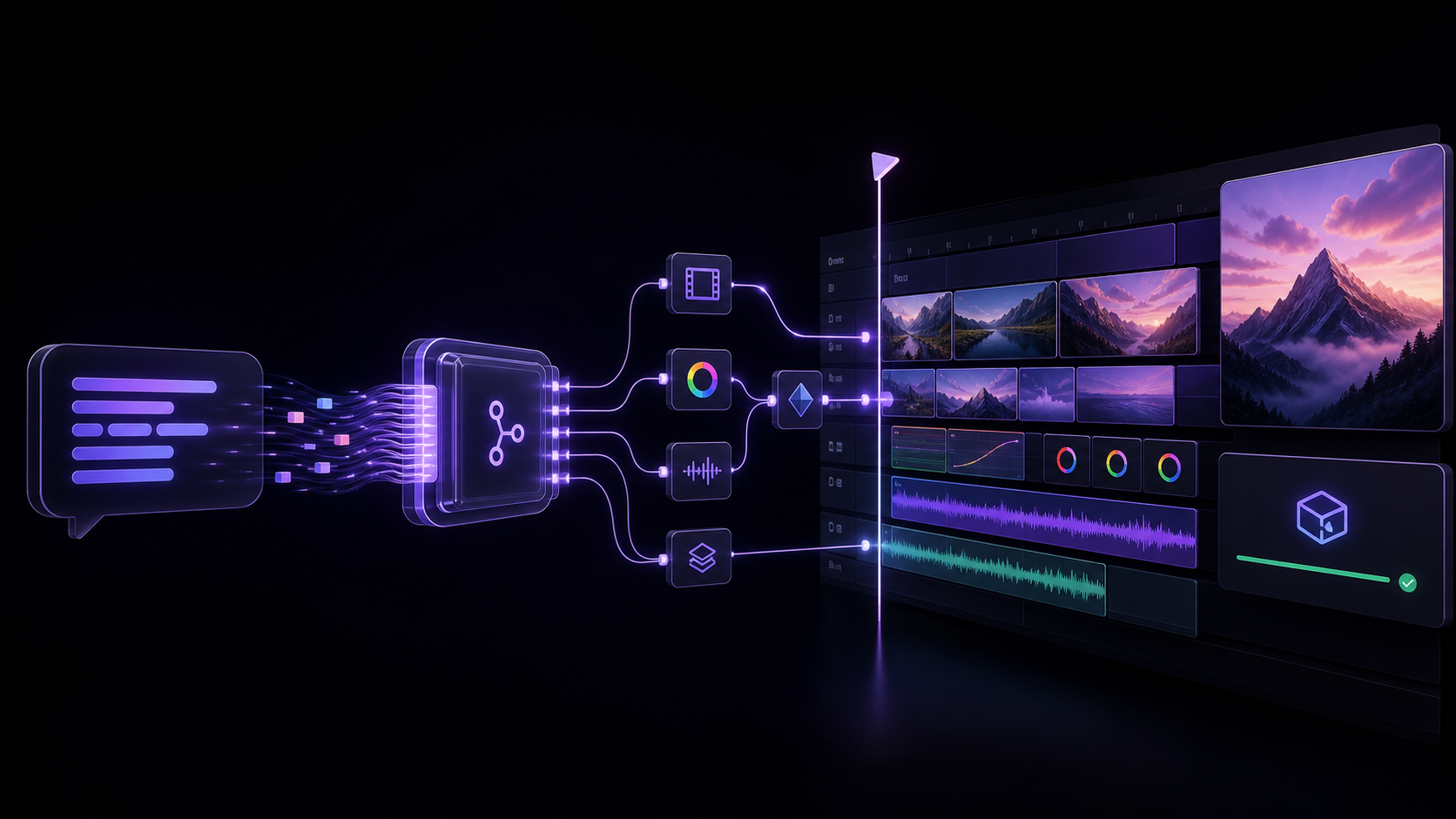
An MCP (Model Context Protocol) server that lets AI assistants like Claude, Windsurf, Cursor, GitHub Copilot, or any MCP-compatible client directly control Adobe Premiere Pro — importing media, editing timelines, applying effects, managing keyframes, exporting, and more.
"Add the B-roll clips to V2, apply a cross dissolve between each, color correct them to match the A-roll, and export a 1080p ProRes."
At a glance
| Display name | MCP for Adobe Premiere Pro |
| npm package | premiere-pro-mcp |
| Install (npm route) | npm install -g premiere-pro-mcp |
| Connector install | premiere-pro-mcp --install-cep |
| MCP server name | io.github.leancoderkavy/premiere-pro |
| Repository | https://github.com/leancoderkavy/premiere-pro-mcp |
| Website | https://premiere-pro-mcp.com |
| License | MIT |
| Hosts | Windows and macOS, Premiere Pro 2020-2026 |
This project is independent and is not affiliated with or endorsed by Adobe Inc.
It is also separate from other MCP servers for Premiere Pro. The only npm package
published from this repository is premiere-pro-mcp, and no other package name
installs it.
Comparing similarly named packages? Both this package and
adobe-premiere-pro-mcp declare a premiere-pro-mcp executable. Verify the package
and repository before configuring a client. The new
local configuration helper prints Claude, Cursor,
VS Code, or Codex settings that point directly to this installation. It is a
feature included in v1.15.1 and later.
The current source exposes 391 core tools for supported workflow steps spanning the supported ExtendScript, QE DOM, local media and interchange analysis, revisioned project-context retrieval, safe edit-planning, project-intake preview, review handoff, connection verification, and guarded After Effects MOGRT authoring, batch, library, render-queue, inspection, and Premiere-handoff workflows. A compatible, authenticated UXP panel adds 96 documented, capability-gated tools without replacing the production CEP bridge.
Latest release: 1.19.1
The published v1.19.1 npm artifact contains 386 core tools, 384 in its default profile, and 480 with a compatible UXP connection. The development catalog above can include unreleased work. See the versioned facts and package provenance.
GitHub releases use v<SemVer> for both title and tag, such as v1.19.1.
See release naming and version conventions.
Try a bounded workflow
Choose a setup guide: Claude Desktop, Codex, other local MCP clients, or ChatGPT connection options.
Download the workflow starter kit for synthetic media and three evaluation recipes: a read-only sequence check, an explicitly confirmed review-frame export, and a product-spot preview. No email is required. The kit has no recorded Premiere demo or verified host result. Start with a disposable project and use [set