by unlayer
Drag-n-Drop Email Editor Component for React.js
# Add to your Claude Code skills
git clone https://github.com/unlayer/react-email-editorGuides for using ai agents skills like react-email-editor.
Last scanned: 6/10/2026
{
"issues": [
{
"type": "npm-audit",
"message": "@babel/helpers: Babel has inefficient RegExp complexity in generated code with .replace when transpiling named capturing groups",
"severity": "medium"
},
{
"type": "npm-audit",
"message": "@babel/plugin-transform-modules-systemjs: @babel/plugin-transform-modules-systemjs generates arbitrary code when compiling malicious input",
"severity": "high"
},
{
"type": "npm-audit",
"message": "@babel/runtime: Babel has inefficient RegExp complexity in generated code with .replace when transpiling named capturing groups",
"severity": "medium"
},
{
"type": "npm-audit",
"message": "@babel/traverse: Babel vulnerable to arbitrary code execution when compiling specifically crafted malicious code",
"severity": "critical"
},
{
"type": "npm-audit",
"message": "@jest/core: Vulnerability found",
"severity": "medium"
},
{
"type": "npm-audit",
"message": "@jest/reporters: Vulnerability found",
"severity": "medium"
},
{
"type": "npm-audit",
"message": "@jest/test-sequencer: Vulnerability found",
"severity": "medium"
},
{
"type": "npm-audit",
"message": "@jest/transform: Vulnerability found",
"severity": "medium"
},
{
"type": "npm-audit",
"message": "ajv: ajv has ReDoS when using `$data` option",
"severity": "medium"
},
{
"type": "npm-audit",
"message": "anymatch: Vulnerability found",
"severity": "medium"
},
{
"type": "npm-audit",
"message": "babel-jest: Vulnerability found",
"severity": "medium"
},
{
"type": "npm-audit",
"message": "brace-expansion: brace-expansion Regular Expression Denial of Service vulnerability",
"severity": "medium"
},
{
"type": "npm-audit",
"message": "braces: Uncontrolled resource consumption in braces",
"severity": "high"
},
{
"type": "npm-audit",
"message": "cross-spawn: Regular Expression Denial of Service (ReDoS) in cross-spawn",
"severity": "high"
},
{
"type": "npm-audit",
"message": "eslint: Vulnerability found",
"severity": "high"
},
{
"type": "npm-audit",
"message": "eslint-config-react-app: Vulnerability found",
"severity": "high"
},
{
"type": "npm-audit",
"message": "external-editor: Vulnerability found",
"severity": "low"
},
{
"type": "npm-audit",
"message": "file-entry-cache: Vulnerability found",
"severity": "high"
},
{
"type": "npm-audit",
"message": "flat-cache: Vulnerability found",
"severity": "high"
},
{
"type": "npm-audit",
"message": "flatted: flatted vulnerable to unbounded recursion DoS in parse() revive phase",
"severity": "high"
},
{
"type": "npm-audit",
"message": "form-data: form-data uses unsafe random function in form-data for choosing boundary",
"severity": "critical"
},
{
"type": "npm-audit",
"message": "inquirer: Vulnerability found",
"severity": "low"
},
{
"type": "npm-audit",
"message": "jest: Vulnerability found",
"severity": "medium"
},
{
"type": "npm-audit",
"message": "jest-cli: Vulnerability found",
"severity": "medium"
},
{
"type": "npm-audit",
"message": "jest-config: Vulnerability found",
"severity": "medium"
},
{
"type": "npm-audit",
"message": "jest-environment-jsdom: Vulnerability found",
"severity": "medium"
},
{
"type": "npm-audit",
"message": "jest-haste-map: Vulnerability found",
"severity": "medium"
},
{
"type": "npm-audit",
"message": "jest-jasmine2: Vulnerability found",
"severity": "medium"
},
{
"type": "npm-audit",
"message": "jest-runner: Vulnerability found",
"severity": "medium"
},
{
"type": "npm-audit",
"message": "jest-runtime: Vulnerability found",
"severity": "medium"
},
{
"type": "npm-audit",
"message": "js-yaml: js-yaml has prototype pollution in merge (<<)",
"severity": "medium"
},
{
"type": "npm-audit",
"message": "jsdom: Vulnerability found",
"severity": "medium"
},
{
"type": "npm-audit",
"message": "lodash: lodash vulnerable to Code Injection via `_.template` imports key names",
"severity": "high"
},
{
"type": "npm-audit",
"message": "micromatch: Regular Expression Denial of Service (ReDoS) in micromatch",
"severity": "high"
},
{
"type": "npm-audit",
"message": "minimatch: minimatch has a ReDoS via repeated wildcards with non-matching literal in pattern",
"severity": "high"
},
{
"type": "npm-audit",
"message": "node-notifier: OS Command Injection in node-notifier",
"severity": "medium"
},
{
"type": "npm-audit",
"message": "picomatch: Picomatch: Method Injection in POSIX Character Classes causes incorrect Glob Matching",
"severity": "high"
},
{
"type": "npm-audit",
"message": "qs: qs's arrayLimit bypass in its bracket notation allows DoS via memory exhaustion",
"severity": "medium"
},
{
"type": "npm-audit",
"message": "request: Server-Side Request Forgery in Request",
"severity": "critical"
},
{
"type": "npm-audit",
"message": "request-promise-core: Vulnerability found",
"severity": "medium"
},
{
"type": "npm-audit",
"message": "request-promise-native: Vulnerability found",
"severity": "medium"
},
{
"type": "npm-audit",
"message": "rollup: DOM Clobbering Gadget found in rollup bundled scripts that leads to XSS",
"severity": "high"
},
{
"type": "npm-audit",
"message": "rollup-plugin-terser: Vulnerability found",
"severity": "high"
},
{
"type": "npm-audit",
"message": "sane: Vulnerability found",
"severity": "medium"
},
{
"type": "npm-audit",
"message": "semver: semver vulnerable to Regular Expression Denial of Service",
"severity": "high"
},
{
"type": "npm-audit",
"message": "serialize-javascript: Serialize JavaScript is Vulnerable to RCE via RegExp.flags and Date.prototype.toISOString()",
"severity": "high"
},
{
"type": "npm-audit",
"message": "tmp: tmp allows arbitrary temporary file / directory write via symbolic link `dir` parameter",
"severity": "high"
},
{
"type": "npm-audit",
"message": "tough-cookie: tough-cookie Prototype Pollution vulnerability",
"severity": "medium"
},
{
"type": "npm-audit",
"message": "tsdx: Vulnerability found",
"severity": "high"
},
{
"type": "npm-audit",
"message": "uuid: uuid: Missing buffer bounds check in v3/v5/v6 when buf is provided",
"severity": "medium"
},
{
"type": "npm-audit",
"message": "word-wrap: word-wrap vulnerable to Regular Expression Denial of Service",
"severity": "medium"
},
{
"type": "npm-audit",
"message": "ws: ws affected by a DoS when handling a request with many HTTP headers",
"severity": "high"
},
{
"type": "npm-audit",
"message": "yaml: yaml is vulnerable to Stack Overflow via deeply nested YAML collections",
"severity": "medium"
}
],
"status": "FAILED",
"scannedAt": "2026-06-10T08:07:48.621Z",
"npmAuditRan": true,
"pipAuditRan": true
}react-email-editor is an open-source ai agents skill for AI coding assistants such as Claude Code, Codex CLI, and ChatGPT, built by unlayer. Drag-n-Drop Email Editor Component for React.js. It has 5,140 GitHub stars.
react-email-editor failed SkillsLLM's automated security scan, which flagged one or more high-severity issues. Review the Security Report section carefully before using it.
Clone the repository with "git clone https://github.com/unlayer/react-email-editor" and add it to your Claude Code skills directory (see the Installation section above).
react-email-editor is primarily written in TypeScript. It is open-source under unlayer on GitHub, so you can review or fork the full source.
Yes. SkillsLLM lists many other AI Agents skills you can browse and compare side by side. Open the AI Agents category from the badge at the top of this page, or use the Related Skills and comparison links further down to weigh react-email-editor against similar tools.
No comments yet. Be the first to share your thoughts!
Requires a passing catalog security scan. Resolve the flagged issues and resubmit to enable featuring.
Add a production-ready, drag-and-drop email builder to your React app with a single component. react-email-editor lets developers embed Unlayer, load and save designs, listen to editor events, customize configuration, and export responsive HTML.
Use it when you need email template creation inside your app without building and maintaining a full visual editor from scratch.
| Video Overview |
|---|
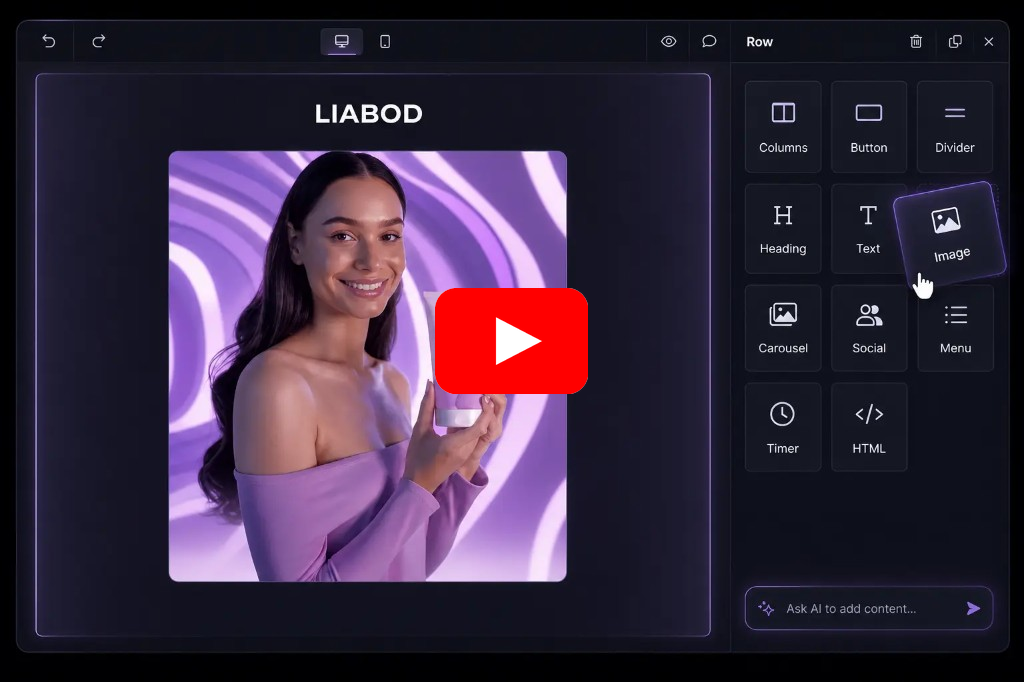
| Watch video overview: https://youtu.be/qp9t74G4VyM |
Check out the live demo here: https://react-email-editor-demo.netlify.app/ (Source Code)
The easiest way to use React Email Editor is to install it from NPM and include it in your own React build process.
npm install react-email-editor --save
Require the EmailEditor component and render it with JSX:
import React, { useRef } from 'react';
import { render } from 'react-dom';
import EmailEditor, { EditorRef, EmailEditorProps } from 'react-email-editor';
const App = (props) => {
const emailEditorRef = useRef<EditorRef>(null);
const exportHtml = () => {
const unlayer = emailEditorRef.current?.editor;
unlayer?.exportHtml((data) => {
const { design, html } = data;
console.log('exportHtml', html);
});
};
const onReady: EmailEditorProps['onReady'] = (unlayer) => {
// editor is ready
// you can load your template here;
// the design json can be obtained by calling
// unlayer.loadDesign(callback) or unlayer.exportHtml(callback)
// const templateJson = { DESIGN JSON GOES HERE };
// unlayer.loadDesign(templateJson);
};
return (
<div>
<div>
<button onClick={exportHtml}>Export HTML</button>
</div>
<EmailEditor ref={emailEditorRef} onReady={onReady} />
</div>
);
};
render(<App />, document.getElementById('app'));
See the example source for a reference implementation.
All unlayer methods are available in the editor instance (emailEditorRef.current.editor). See the Unlayer Docs for more information, or log the object in the console to explore it. Here are the most used ones:
| method | params | description |
|---|---|---|
| loadDesign | Object data |
Takes the design JSON and loads it in the editor |
| saveDesign | Function callback |
Returns the design JSON in a callback function |
| exportHtml | Function callback |
Returns the design HTML and JSON in a callback function |
editorId {String} HTML div id of the container where the editor will be embedded (optional)minHeight {String} minimum height to initialize the editor with (default 500px)onLoad {Function} called when the editor instance is createdonReady {Function} called when the editor has finished loadingoptions {Object} options passed to the Unlayer editor instance (default {})
style {Object} style object for the editor container (default {})The email editor output is tested using the most popular email clients.
| Gmail ✔ | Apple Mail ✔ | Outlook ✔ | Yahoo! Mail ✔ |
Add AI-powered content creation to your embedded email editor.
Unlayer’s AI Assistant helps users generate, rewrite, translate, and improve email content directly inside the editor. Developers can enable AI features through the editor configuration, giving users a faster way to create polished emails without leaving your app.
Custom tools can help you add your own content blocks to the editor. Every application is different and needs different tools to reach it's full potential. Learn More
You can submit new language translations by creating a PR on this GitHub repo: https://github.com/unlayer/translations. Translations managed by PhraseApp
Copyright (c) 2026 Unlayer. MIT Licensed.