Tessera
Keep parallel AI coding work organized.




💬 Come hang out on our Discord! Feel free to drop by — if you share anything that feels rough or could be better, we'd really appreciate it.
Tessera helps you run Claude Code, Codex, and OpenCode side by side without losing track of sessions, files, branches, diffs, or pull requests.
Product Demos
Projects, collections, sessions, tabs, and panes
Organize AI coding work by project and collection, then open sessions across persistent tabs and split panes.
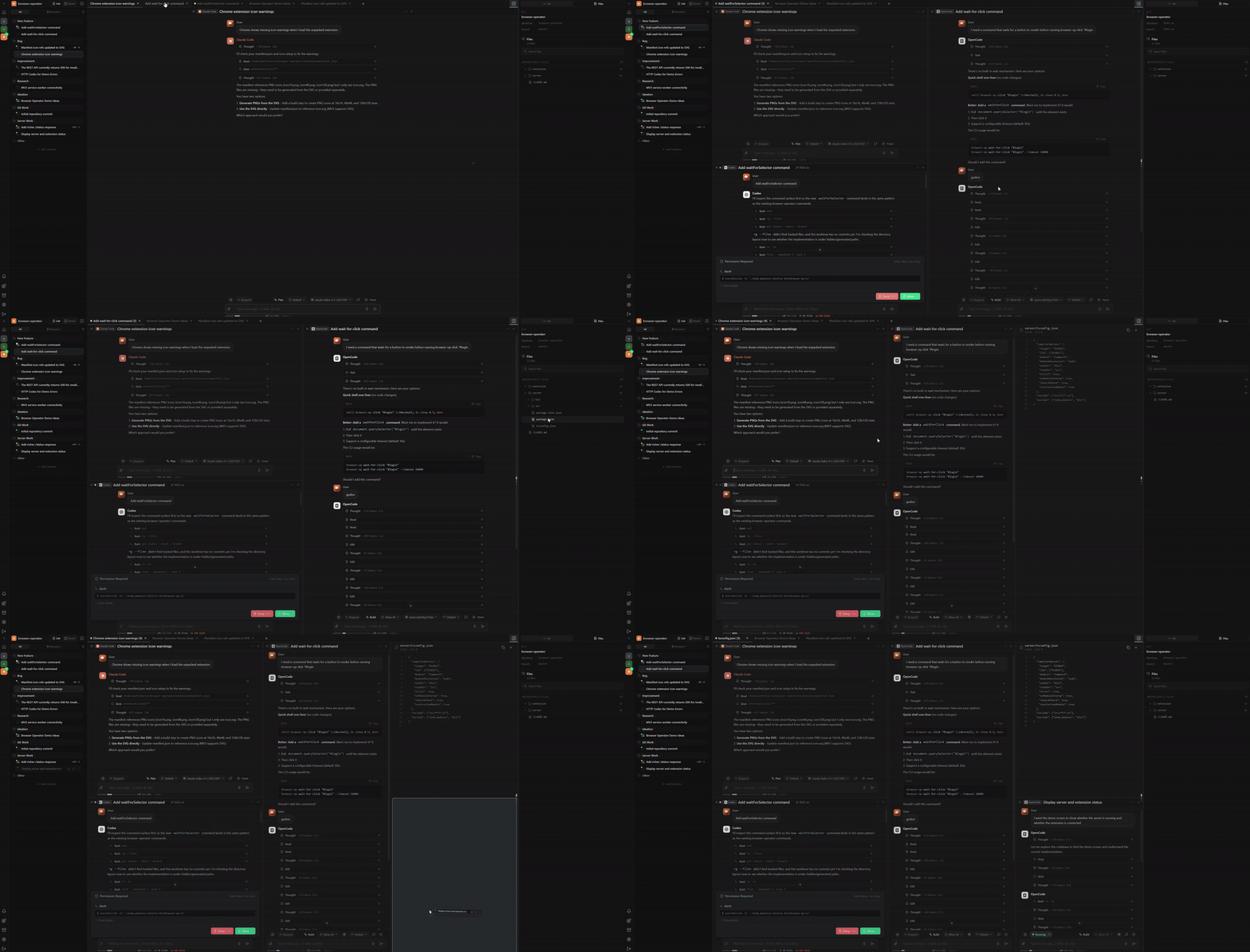
Terminal and file tabs
Open agent sessions, terminals, and files as movable tabs so you can reshape the workspace around the work instead of switching tools.
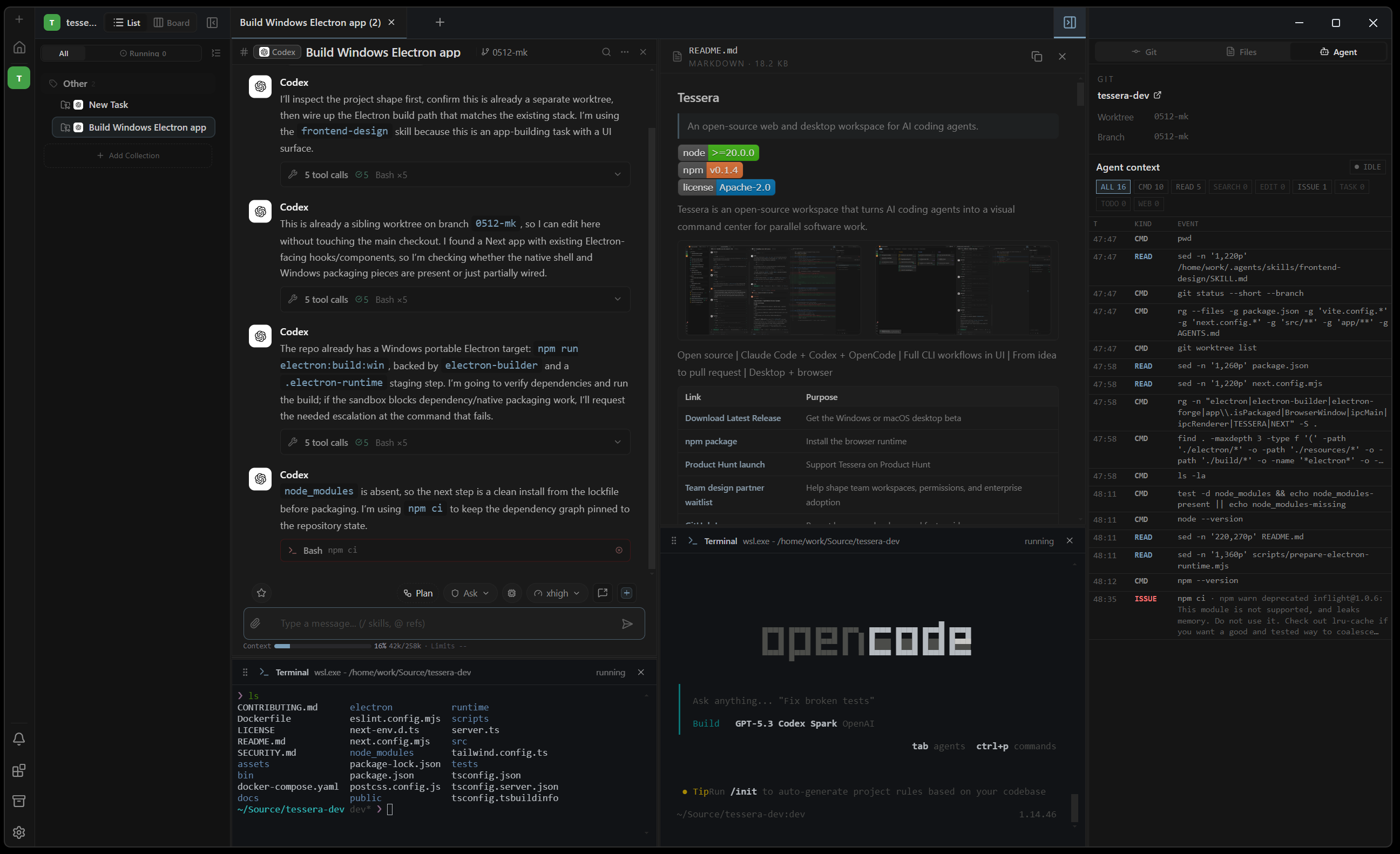
Kanban board workflow
Move implementation work through Todo, Doing, Review, and Done while keeping each task tied to sessions, collections, and worktrees.
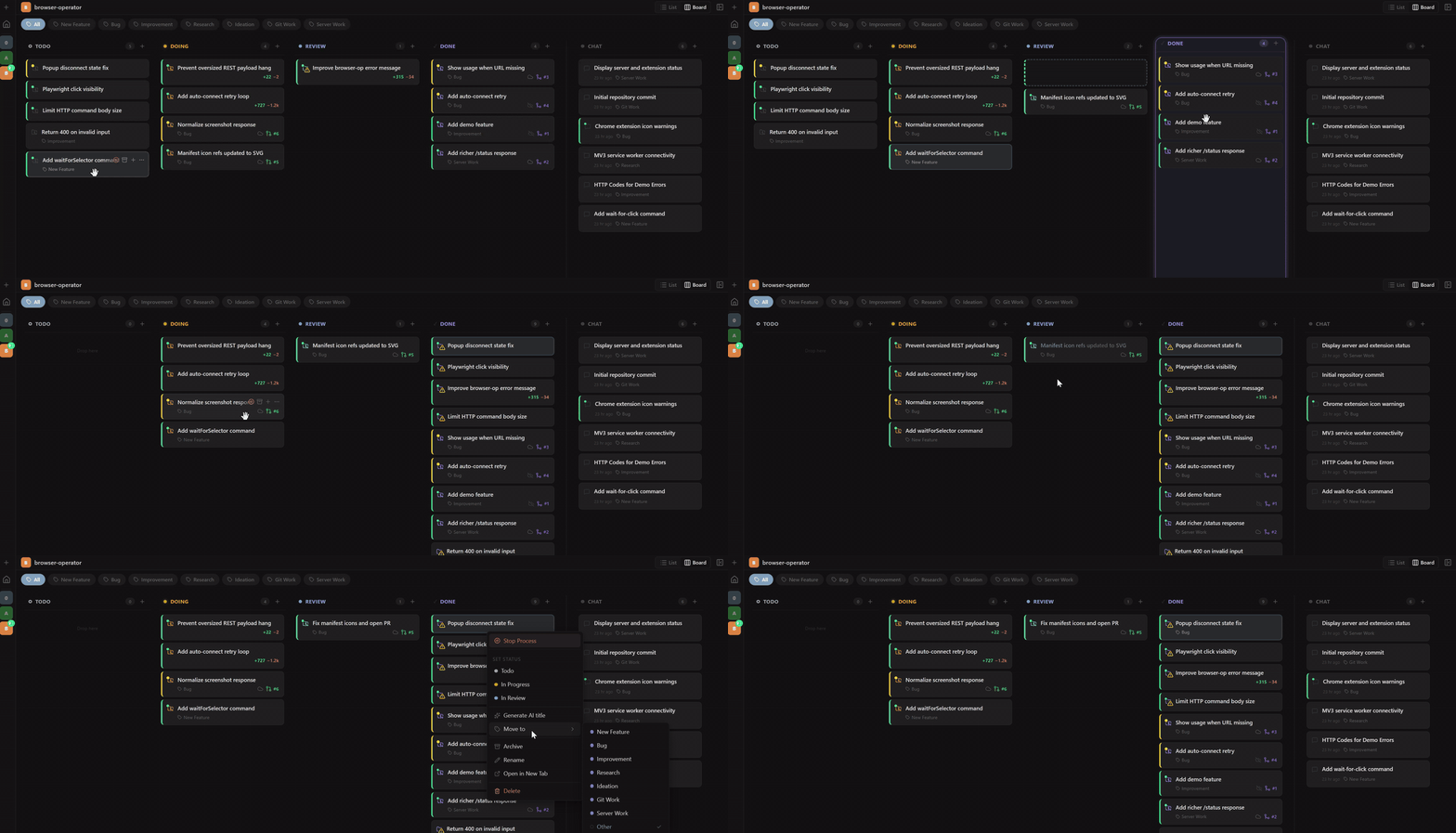
Realtime Git worktree tracking
Track each task's worktree, branch, diff, PR state, and workflow status as agents continue working.
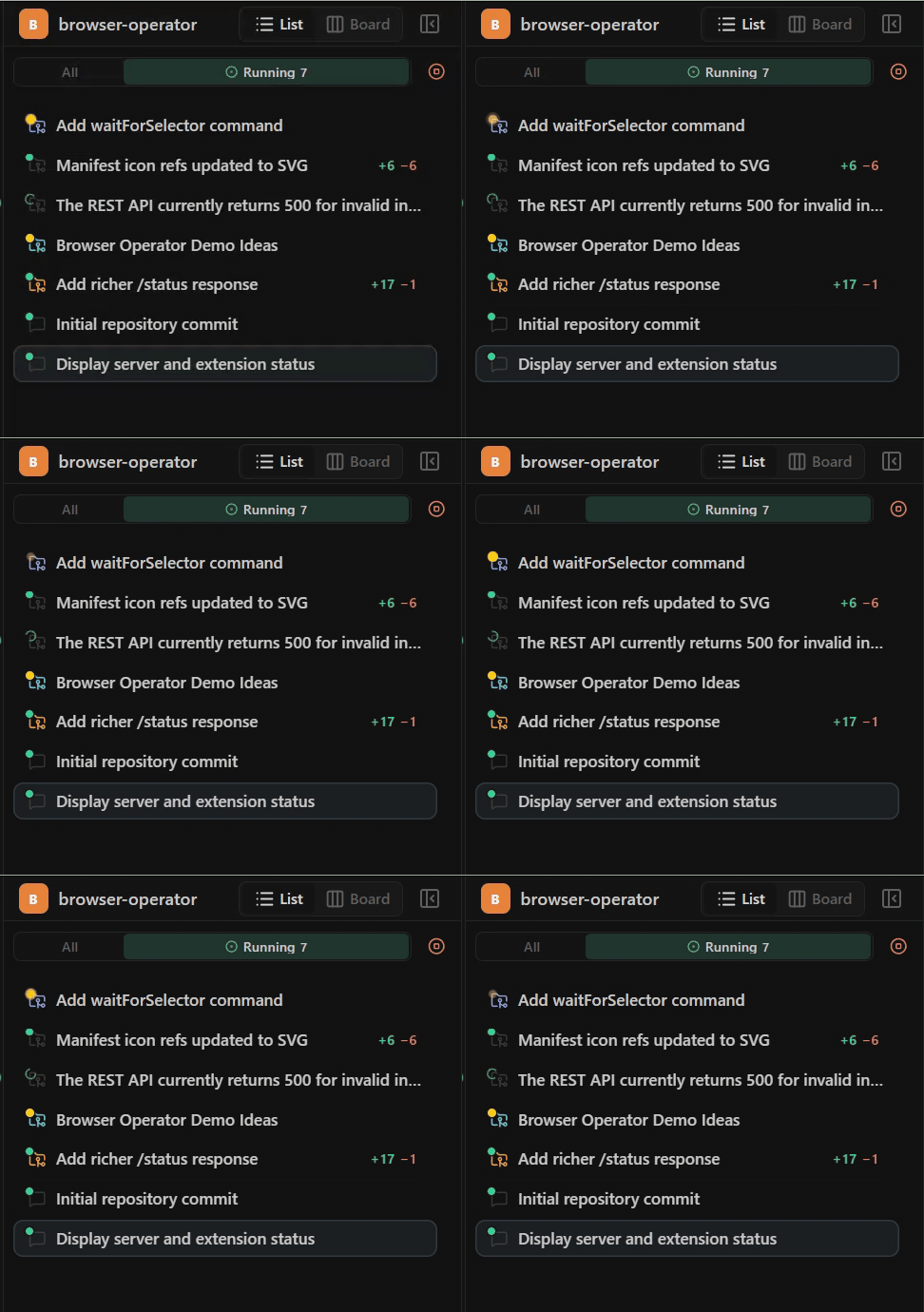
Rich composer controls
Open new panels, continue an existing conversation, tune reasoning, select models, choose permissions, use voice input (browser runtime only), add @ references, attach images, and send context-rich prompts from one composer.
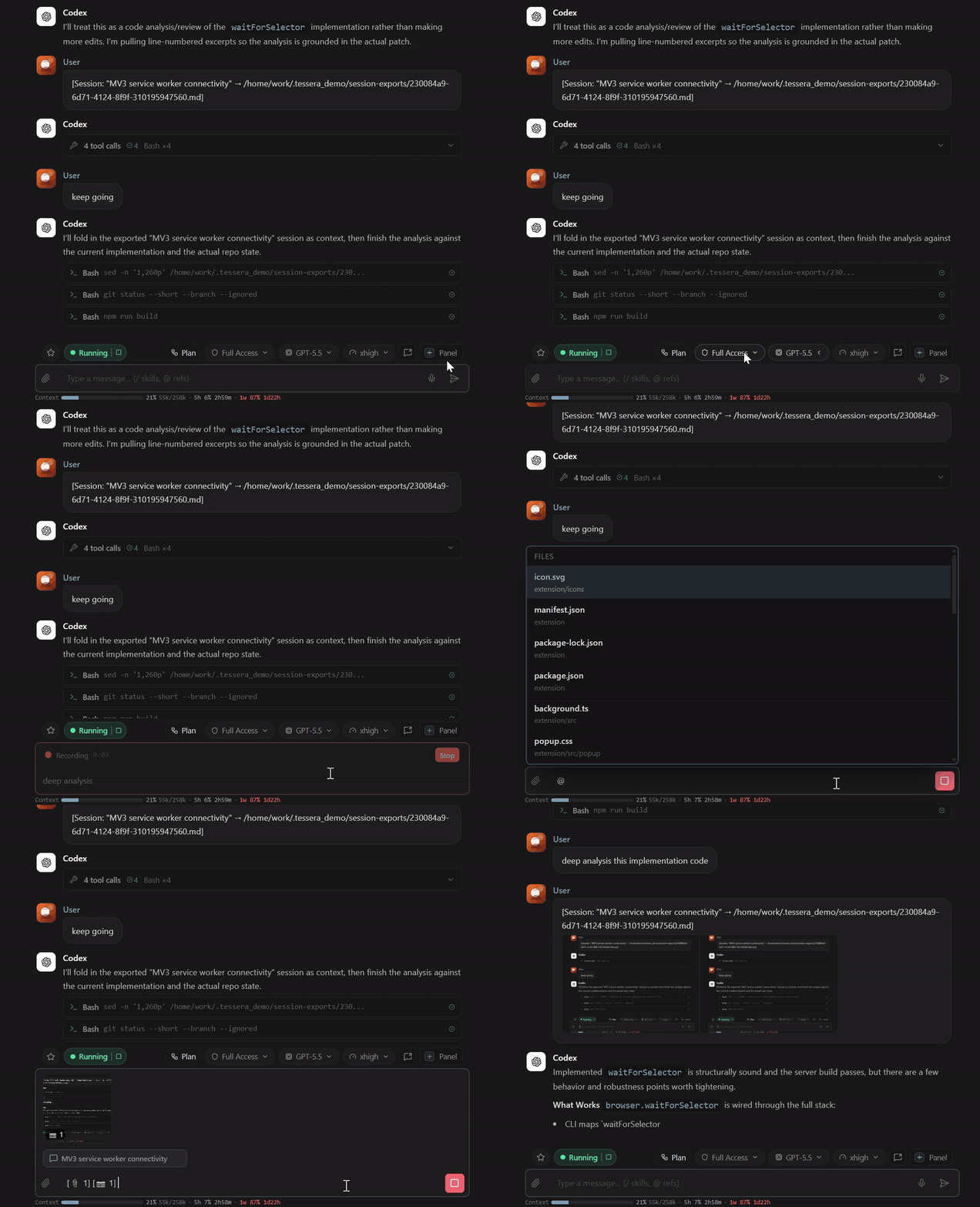
Cross-platform agent workspace
Use the same multi-agent workspace in the browser, on macOS, or on Windows while running Claude Code, Codex, OpenCode, and their model choices side by side.
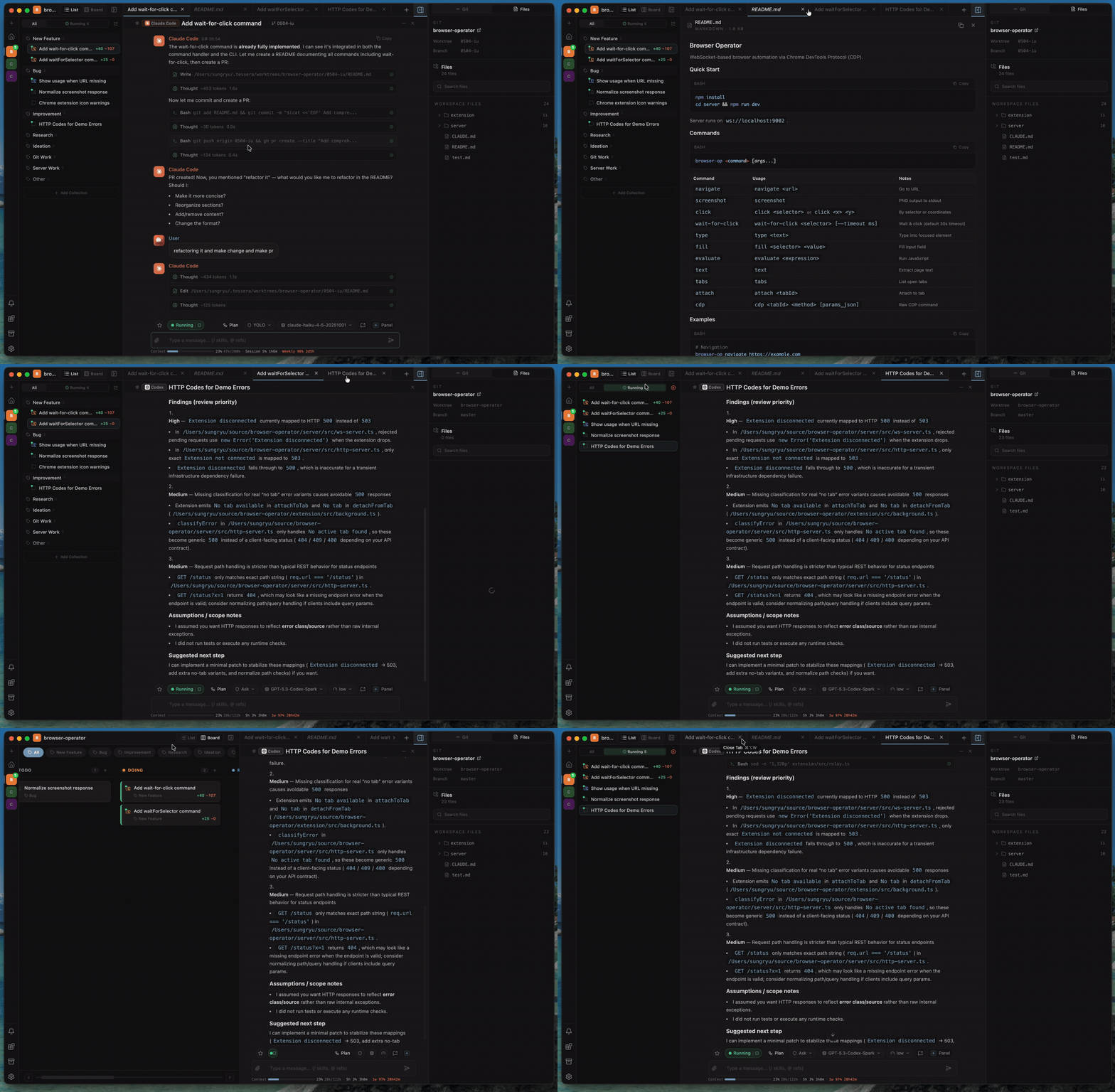
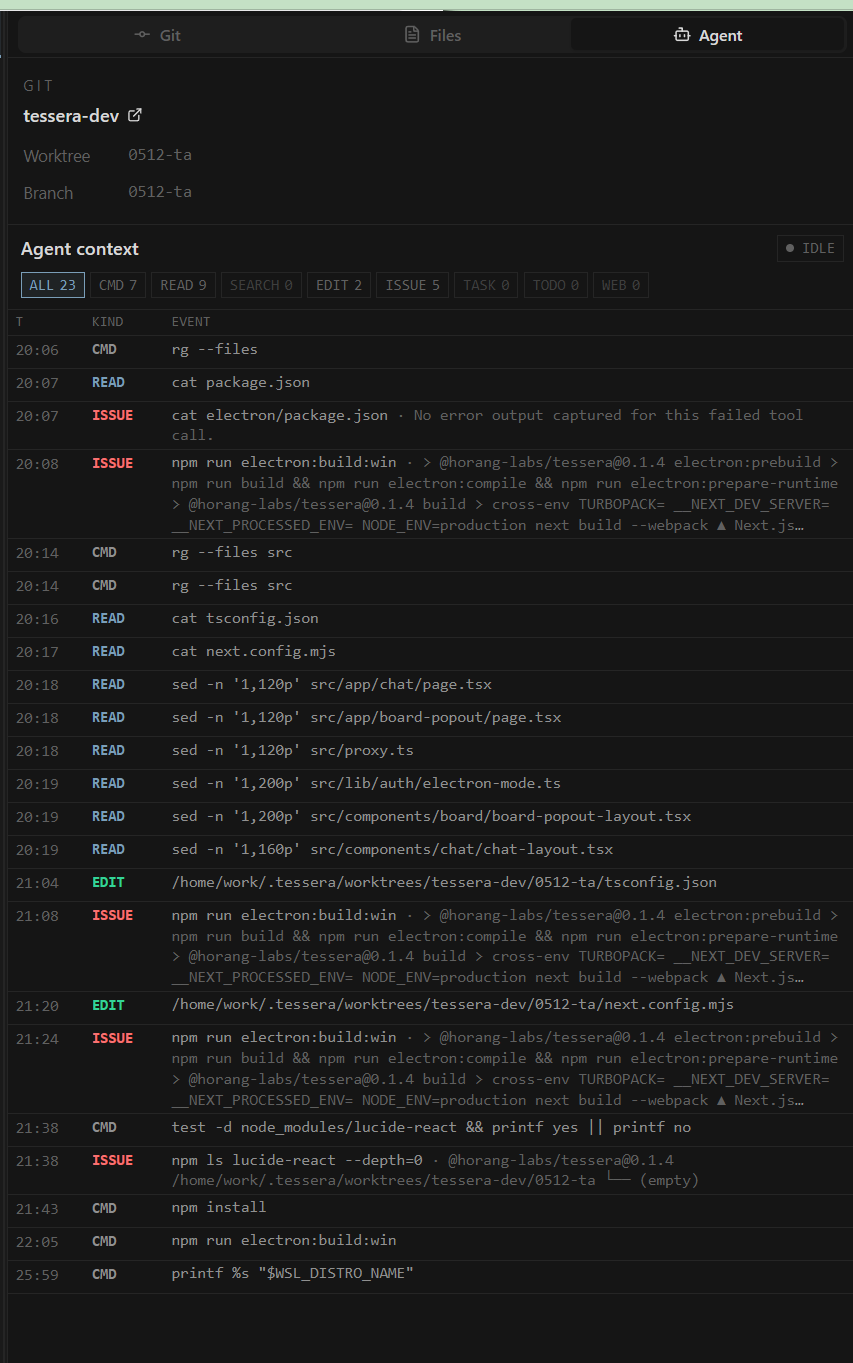
Agent state, tool logs, and diffs
Keep each agent session tied to its task and worktree while tracking tool calls, failures, file changes, diffs, and branch state in real time.
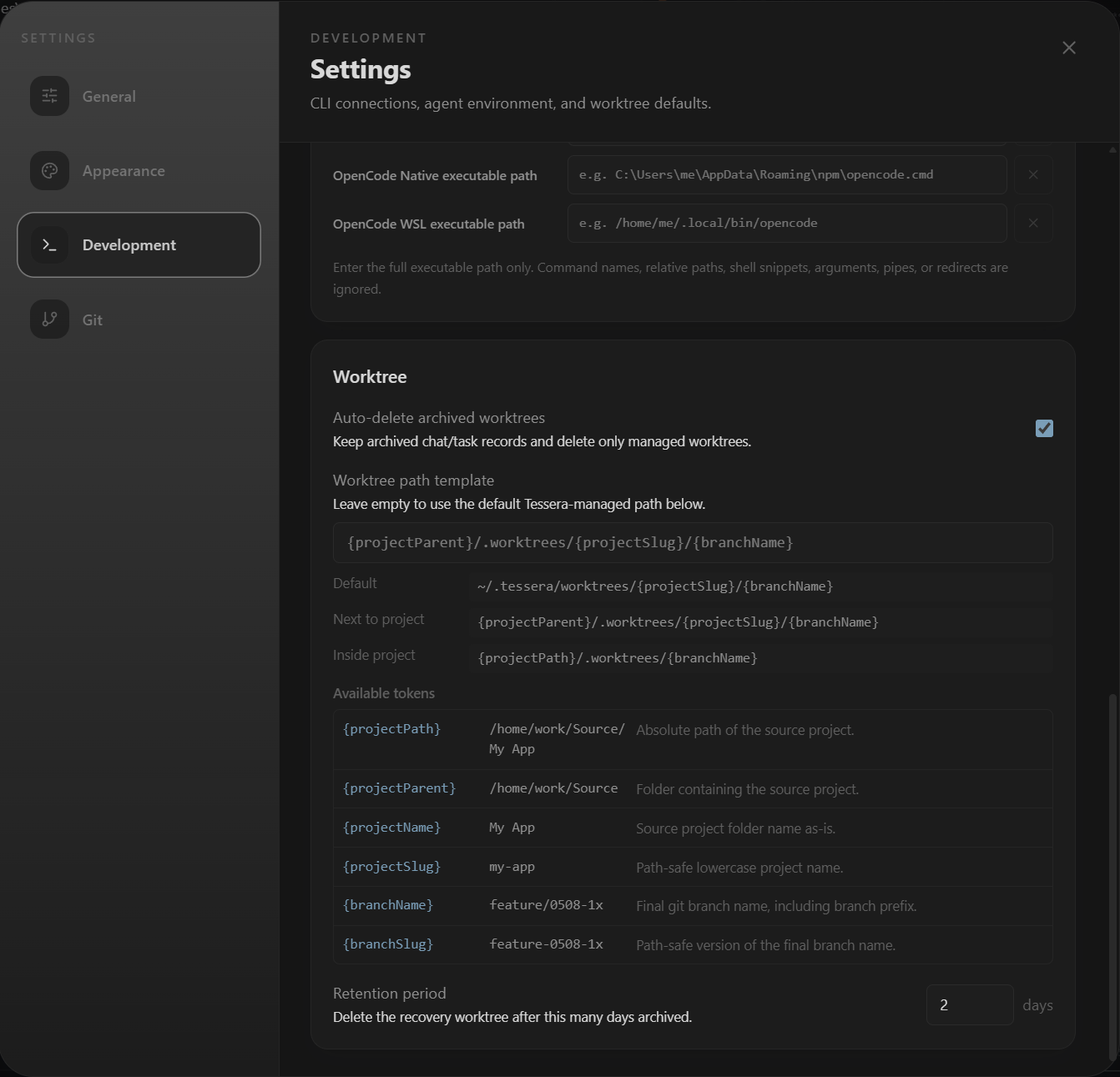
Custom worktree paths
Choose where Tessera creates managed worktrees so agent tasks fit into your existing local development workflow.
Resources
| Link | Purpose |
|---|---|
| Download Latest Release | Download the desktop app for Windows, macOS, or Linux |
| npm package | Run Tessera in the browser |
| [Product Hunt launch][product-hunt] | Support the launch on Product Hunt |
| [Team design partner waitlist][design-partner-waitlist] | Help shape team workspaces and enterprise workflows |
| GitHub Issues | Report bugs and feature requests |
| [Good first issues][good-first-issues] | Find starter-sized docs, QA, and polish tasks |
| [Help wanted][help-wanted] | Find community-friendly areas where maintainer context helps |
| [Discussions][discussions] | Ask questions and propose workflows |
| [Contributing][contributing] | Set up the project and send focused pull requests |
Install
Desktop app
Download from GitHub Releases.
| Platform | Asset |
|---|---|
| Windows, including WSL | Portable .exe |
| macOS | .dmg for Apple Silicon or Intel |
| Linux beta | .deb |
Windows builds are not code-signed yet, so SmartScreen may show an unknown-publisher warning. macOS builds are signed and notarized with Apple Developer ID.
Browser runtime
Requires Node.js 20 or later and npm 10 or later.
npm install -g @horang-labs/tessera
tessera
Open the printed local URL.
Docker Compose
mkdir -p data/config data/local data/ssh data/codex data/tessera workspaces
touch data/gitconfig
docker compose up --build -d
Open http://127.0.0.1:32123. If bind mounts are not writable:
sudo chown -R 1000:1000 data workspaces
First Run
On first run, Tessera guides you through:
- Creating a local account for the browser runtime.
- Checking that a supported CLI is installed and authenticated.
- Selecting a project folder.
- Starting a chat or worktree-backed task.
Authenticate provider CLIs first, for example with claude login, codex login, or OpenCode's configured provider credentials.
Core Features
Tessera is designed for developers who run multiple AI coding sessions and need more structure than terminal tabs:
| Feature | Details |
|---|---|
| Session organization | Structure AI coding work by project, collection, chat session, task, tab, pane, and worktree |
| Parallel workspace | Run many chats and implementation tasks side by side without losing status, context, or ownership |
| Multi-panel UI | Persistent tabs, split panes, draggable sessions, and long-running workspace layouts |
| Chat-to-task flow | Start with research or ideation, then continue the conversation into a managed git worktree |
| Observable session timeline | Agent output, reasoning, tool calls, failed tool context, permissions, plans, user prompts, files, diffs, branches, and PR state in one place |
| List and Kanban views | Use list view for high-volume exploration and Kanban view when implementation status matters |
| Git and PR workflow | Commit, push, create PRs, merge PRs, inspect diffs, and track branch/PR state from the Git panel |
| Context-rich composer | @ file references, chat/task references, pasted images, and local file attachments |
| Drag-and-drop workspace | Move sessions, arrange workspace structure, and attach context through drag-and-drop interactions |
| Provider-native controls | Permission prompts, plan approvals, runtime modes, reasoning controls, and provider access controls in the workspace |
| Model choice through OpenCode | Use the models and providers configured in OpenCode, including local or air-gapped LLM setups |
| Cross-environment support | macOS, Windows, and browser-based npm runtime |
| Unified session history | Session history, multi-agent conversation data, attachments, settings, worktree metadata, and workspace state in one place |
Also included: keyboard-first navigation, browser-native voice input through the Web Speech API in the browser runtime, and a Claude Code skills dashboard discovered from the local environment.
Technical Highlights
Tessera is built around a local runtime and provider-based CLI layer:
- Provider adapter architecture: each CLI is isolated behind a
CliProvidercontract for process lifecycle, protocol parsing, runtime controls, approvals, interrupts, and skills. - Protocol normalization layer: Claude Code
stream-json, Codexapp-server, and OpenCode ACP JSON-RPC events are translated into a shared realtime message model. - Agent workspace model: chats, tasks, collections, workflow states, managed git worktrees, PR state, diffs, provider controls, and interactive prompts are modeled as first-class workspace concepts.
- OpenCode model bridge: Tessera reads OpenCode's model catalog and exposes configured models, providers, and reasoning variants in the workspace.
- Shared local runtime: desktop and browser runtimes share the same local server, provider layer, and configurable app-data directory.
| Provider | Local command | Status | Notes |
|---|---|---|---|
| Claude Code | claude |
Supported | Uses streaming JSON mode, permission modes, plan approval, AskUserQuestion prompts, and installed skill discovery |
| Codex | codex |
Supported | Uses app-server JSON-RPC events, approval requests, plan deltas, sandbox/access controls, and reasoning effort |
| OpenCode | opencode |
Supported | Uses ACP JSON-RPC, OpenCode modes, permission presets, and the models/providers configured in OpenCode |
Provider-specific implementation lives under src/lib/cli/providers/. The rest of the app talks to the shared provider contract instead of CLI-specific internals.
Build From Source
For development, clone the repository and install dependencies:
Source development requires Node.js 20 or later and npm 10 or later.
git clone https://github.com/horang-labs/tessera.git
cd tessera
npm install
Tessera uses a custom Node.js server for the Next.js app, WebSocket transport, database initialization, provider bootstrapping, and background pollers. The dev script starts that server:
npm run dev
Supported environment variables:
| Variable | Default | Purpose |
|---|---|---|
TESSERA_DATA_DIR |
~/.tessera |
App data root for the dat |