Maintainer of this skill?

Automated security scan — not a certification.
by clidey
Where data access meets operational intelligence
# Add to your Claude Code skills
git clone https://github.com/clidey/whodbLast scanned: 7/17/2026
{
  "issues": [
    {
      "file": "README.md",
      "line": 129,
      "type": "remote-install",
      "message": "Install command (remote install script piped to a shell — review the source before running): \"curl -fsSL https://raw.githubusercontent.com/clidey/whodb/main/cli/install/insta\"",
      "severity": "low"
    }
  ],
  "status": "PASSED",
  "scannedAt": "2026-07-17T06:14:09.878Z",
  "npmAuditRan": true,
  "pipAuditRan": true,
  "promptInjectionRan": true
}See how whodb compares with popular alternatives.
whodb is an open-source ai agents skill for AI coding assistants such as Claude Code, Codex CLI, and ChatGPT, built by clidey. Where data access meets operational intelligence. It has 5,037 GitHub stars.
Yes. whodb passed SkillsLLM's automated security scan — a dependency vulnerability audit plus prompt-injection heuristics — with no high-severity issues. You can read the full report in the Security Report section on this page.
Clone the repository with "git clone https://github.com/clidey/whodb" and add it to your Claude Code skills directory (see the Installation section above).
whodb is primarily written in Go. It is open-source under clidey on GitHub, so you can review or fork the full source.
Yes. SkillsLLM lists many other AI Agents skills you can browse and compare side by side. Open the AI Agents category from the badge at the top of this page, or use the Related Skills and comparison links further down to weigh whodb against similar tools.
No comments yet. Be the first to share your thoughts!
30 days in the Featured rail · terms & refunds
⚠️ Third-Party Software Notice
This skill is third-party open-source software developed and hosted independently on GitHub. SkillsLLM is an informational directory and does not control or maintain the underlying repository.
Any security checks, ratings, or warnings displayed by SkillsLLM are automated and limited in scope. They do not constitute a security certification or guarantee that the software is safe, error-free, or free from malicious code, vulnerabilities, compromised dependencies, or prompt-injection risks.
Review the source code, permissions, dependencies, and configuration before installing or running any third-party skill. Use is at your own risk. To the maximum extent permitted by applicable law, SkillsLLM is not liable for losses arising from third-party software.
Automated security scan — not a certification.
















Quick start · Documentation · Live demo · Community
WhoDB gives you one place to explore your databases, edit data, run queries, and understand how a schema fits together. It runs in the browser, is easy to self-host, and is available as a desktop app or terminal CLI too.
Use it when you want to inspect a local database, help a teammate explore unfamiliar data, or work without installing a heavyweight database client. AI features are optional: connect Ollama, OpenAI, Anthropic, LM Studio, or another OpenAI-compatible provider if you want to ask questions in plain English.
Run WhoDB with Docker:
docker run --rm -it -p 8080:8080 clidey/whodb
Then open http://localhost:8080 and enter your database connection details.
Want to look around first? Try the live demo or watch the video walkthrough.
WhoDB Community supports:
Support varies by database because not every system has the same concepts or capabilities. The connection screen shows the options available for each source.
The one-line Docker command is ideal for trying WhoDB. To keep encrypted login sessions when the container is replaced, first generate a key and save it somewhere secure:
openssl rand -hex 32
Then mount /data and reuse that key whenever you start the container:
docker run -it -p 8080:8080 \
  -v whodb-data:/data \
  -e WHODB_ENCRYPTION_KEY=your_saved_64_character_hex_key \
  clidey/whodb
Keep that key somewhere safe. Changing it invalidates existing sessions. If WhoDB is served through an HTTPS reverse proxy, also set WHODB_SECURE=true so browsers only send the session cookie over HTTPS.
See the documentation for Docker Compose, connection profiles, SSL, AI providers, and other configuration options.
The CLI includes an interactive terminal UI and an MCP server for AI tools:
# macOS and Linux
curl -fsSL https://raw.githubusercontent.com/clidey/whodb/main/cli/install/install.sh | bash

# or install with npm
npm install -g @clidey/whodb
whodb             # open the terminal UI
whodb mcp serve   # start the MCP server
See the CLI guide for connection examples and the full command reference.
You can add a hosted AI provider directly from WhoDB—no backend configuration or restart is required. Open Chat, choose Add Provider from the provider menu, then select OpenAI, Anthropic, or Gemini and enter your API key. WhoDB will fetch the available models from that provider.
Ollama and LM Studio are available as local options in WhoDB Community. By default, the backend looks for Ollama at localhost:11434 and LM Studio at localhost:1234/v1, with local addresses adjusted automatically for Docker and WSL. Use WHODB_OLLAMA_HOST, WHODB_OLLAMA_PORT, or WHODB_LMSTUDIO_BASE_URL only when those defaults are not suitable for your setup.
Environment variables let deployment administrators declare providers when the server starts. This is useful for preconfiguring OpenAI or Anthropic, changing provider endpoints, or adding an OpenAI-compatible service for everyone using that deployment:
WHODB_OPENAI_* for OpenAIWHODB_ANTHROPIC_* for AnthropicWHODB_OLLAMA_* for Ollama connection settingsWHODB_LMSTUDIO_* for LM Studio connection settingsWHODB_AI_GENERIC_<ID>_* for OpenAI-compatible providersSee the installation guide for the complete environment variable list and the AI provider guide for setup examples.
This repository contains WhoDB Community, the Apache-2.0-licensed database workspace described above. It is free to self-host and is the best place to start if you want to explore and work with databases.
WhoDB Platform is the commercial, self-hosted edition for organizations that need shared projects, more data sources, SSO, fine-grained access controls, audit logs, pipelines, reporting, and internal apps. You can read the WhoDB overview or compare plans on the pricing page.
WhoDB has a Go backend and a React/TypeScript frontend. For local development, run them in separate terminals.
Requirements:
Start the backend:
cd core
go run ./cmd/whodb
Start the frontend:
cd frontend
pnpm install
pnpm start
The frontend opens at http://localhost:3000 and talks to the backend on port 8080. See the CE build and run guide for generation and build commands.
Bug reports, feature ideas, documentation improvements, and code contributions are all welcome.
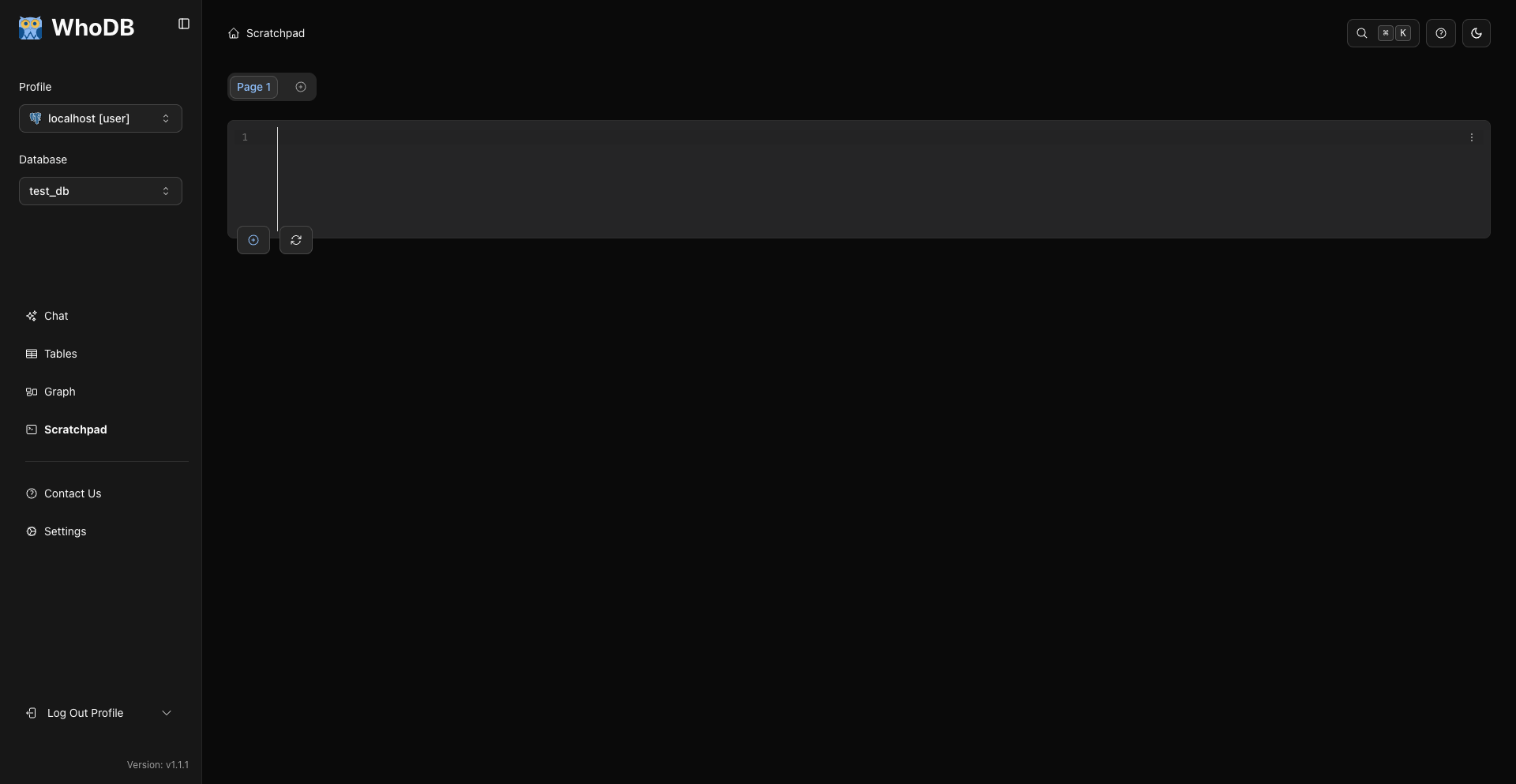
<img src="https://raw.githubusercontent.com/clidey/whodb/main/docs/images/27-scratchpad-main-view.png" alt="Writing queries in the WhoDB scratchpad" width