Leash

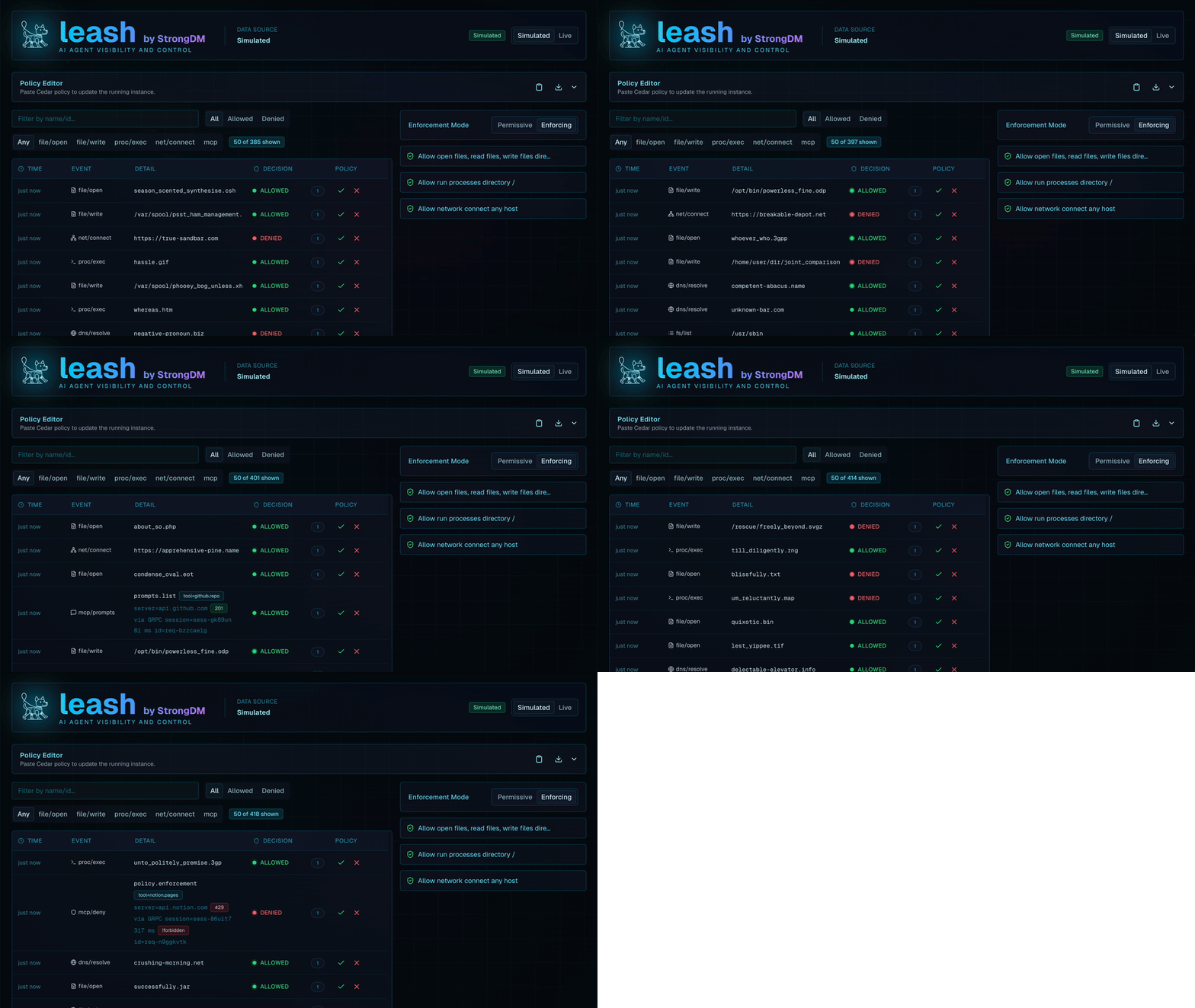
Leash wraps AI coding agents in containers and monitors their activity. You define policies in Cedar; Leash enforces them instantly.
Requirements
- Docker, Podman, or OrbStack
- macOS or Linux (WSL, too!)
Installation
Recommended method is via npm:
npm install -g @strongdm/leash
Alternative ways follow:
Download the latest pre-built release binary from the releases page.
or if you're on macOS:
brew tap strongdm/tap
brew install --cask leash-app
macOS Note 1: This installs a helper app that enables experimental native mode on macOS and also installs the leash formula.
macOS Note 2: If you download Leash from the releases page, you'll need to run xattr -d com.apple.quarantine leash after extracting it
Refer to MACOS.md to learn more about the additional native macOS capabilities.
Run your first Leash command
# Launch codex with the Control UI and pop open the web browser automatically
leash --open claude

leash --open codex

# Inspect available options
leash --help
AI agents claude, codex, gemini, qwen, and opencode are shipped in the default coder image.
On first use Leash will prompt to mount the host's coder-agent config directory (for example ~/.claude) into the container.
Choose whether to remember that decision globally, for the current project, or just this once; persistent choices are stored at ~/.config/leash/config.toml.
Key Concepts
-
Full monitoring captures every filesystem access and network connection initiated by the agent so Cedar policies and audit trails operate on complete telemetry.
-
Agent container runs your command with the current directory bind-mounted, so tools see the same file tree they would on the host.
-
Leash container monitors system calls, applies Cedar policies, and exposes the Control UI at http://localhost:18080 (use
--opento launch it automatically). -
Mount prompts remember whether to forward host agent credentials (see CONFIG.md).
-
Environment forwarding maps common API keys automatically:
ANTHROPIC_API_KEYforclaude,OPENAI_API_KEYforcodex,GEMINI_API_KEYforgemini, andDASHSCOPE_API_KEYforqwen.
MCP Integration
Leash includes a Model Context Protocol (MCP) observer that inspects, records, and enforces MCP tool calls made by the agent. Requests flowing through supported MCP transports are correlated with filesystem and network telemetry, enabling Cedar policies to govern tool use alongside core runtime activity.
Using Leash
Images and Dependencies
- Keep the default
public.ecr.aws/s5i7k8t3/strongdm/coderimage for a ready-to-run AI tooling environment. - Extend Dockerfile.coder with project packages, then point Leash at the new image.
- Reuse an existing project image by adding
ca-certificatesand configuring Leash to launch it.
Configure alternative images through TOML, CLI flags, or environment variables:
[leash]
codex = true

[projects."/absolute/path/to/project"]
target_image = "ghcr.io/example/dev:latest"

[projects."/absolute/path/to/project".volumes]
"~/devtools" = "/workspace/devtools:rw"
| Configure | Use | Notes |
|---|---|---|
| Target image | target_image in config.toml, |
Defaults to public.ecr.aws/s5i7k8t3/strongdm/coder. |
LEASH_TARGET_IMAGE, or --image flag |
||
| Target container base | TARGET_CONTAINER |
Auto-sanitized from the current directory when unset. |
| Leash manager image | --leash-image, LEASH_IMAGE |
Override when testing custom manager builds. |
| Cedar policy file | --policy, LEASH_POLICY_FILE |
Mount a specific Cedar policy. |
| Control UI bind address | --listen, LEASH_LISTEN |
Blank value binds to default 127.0.0.1:18080 |
| Extra bind mount | -v src:dst[:ro] |
Repeatable for multiple mounts. |
| Environment variables | -e KEY=value |
Forwarded into both containers. |
Run ./bin/leash --help for a complete list of flags and environment variables.
See CONFIG.md and CUSTOM-DOCKER-IMAGES.md for more information.
Manual Volumes and Environment Variables
Choose your own project-specific mounts and set additional environment variables as needed:
leash -v ~/.myconfig:/root/.myconfig claude bash
leash -e MY_VAR=value codex bash
Deep Dives
Dive deeper with CEDAR.md for ready-to-adapt snippets.
- Telemetry details live in TELEMETRY.md.
Troubleshooting & Next Steps
- Reset mount decisions or inspect config behavior with the tips in CONFIG.md.
- Explore the development process in DEVELOPMENT.md and CONTRIBUTORS.md.